Act 1 · Resolve the tickets that never happen: Most of your queue disappears.
Sidekick answers and executes on every channel your people already use: grounded only in knowledge you approve, with Rezolve VoiceIQ on the phones and every decision reviewable in the glass-box Explainability view.

Sidekick · Conversational AI Assistant: The AI your employees actually talk to.
Sidekick is the agentic AI front door to the service desk. It answers questions from your knowledge and executes IT automations (reset a password, unlock an account, provision software, onboard a hire), so the request is done, not just answered, and never becomes a ticket for your team.

Rezolve ingests and keeps your knowledge in sync from the tools your teams already maintain, so answers stay current, with nothing to copy-paste or re-upload.
Every answer comes from your curated, approved sources, your KBs and the specific websites you choose, and cites where it came from. Never Reddit, never the open web, never invented.
Explainable AI · interactive: Open the box. See every decision.
This is how you govern and review everything Sidekick does: the real glass-box view from the console, rebuilt so you can click through it. Take one IT question, why does Excel keep freezing?, and follow exactly how the agents understood it, routed it, searched your knowledge, and grounded the answer. It’s the record that lets you put an autonomous agent into production and defend every action it takes: to an auditor, a skeptical stakeholder, or your own risk team.
One hybrid search ran across your knowledge base and your guided actions: 15 candidates retrieved and ranked, closest match to the request wins.
- Check if the file is locked. Excel files can be locked for editing if they’re already open on another device or didn’t close properly. Make sure the file is closed everywhere else and give it a minute before trying again.
- Try Safe Mode in Excel. Running Excel in safe mode starts it without extra add-ins or custom settings, which can sometimes cause issues, a gentle way to see if something extra is interfering.
- Look for add-in problems. If Excel works in safe mode, an add-in may be the culprit. Turn add-ins off from Excel’s menu to see if the freezing stops: just a few clicks, no technical skills required.
A faithful, clickable recreation of the live Explainable AI view, Review Conversations → Queries → Explainable AI.
One hybrid search ran across your HR knowledge base and your guided actions, the Leave & Time-Off Policy and the “Request Time Off” action ranked highest of 9 candidates.
- Your entitlement. Full-time employees accrue 20 days of paid time off a year, plus recognized public holidays. Up to 5 unused days can carry into the next year.
- How to request it. Open Request Time Off, pick your dates and leave type, and submit. It routes to your manager automatically for approval.
- Check your balance. Ask me “how many PTO days do I have left?” any time and I’ll pull your current balance.
The same glass box, on an HR question. The answer is grounded strictly in your policy, so it won’t invent a number, the wrong figure never reaches an employee or your books, and it shows the guided action it attached, every step there if an auditor asks.
One hybrid search ran across your finance knowledge base and your guided actions, the Travel & Expense Policy and the “Submit an Expense” action ranked highest of 11 candidates.
- Check the policy limit. Client meals are reimbursable up to the per-attendee limit set in the travel & expense policy.
- Keep the itemized receipt. Submit it within 30 days, with the attendees listed on the expense.
- Submit it right here. I can file the expense from this chat and route it to your manager, reimbursement lands with the next payroll run.
The same glass box, on a finance question. The answer is grounded strictly in your expense policy, so it won’t invent a number, the wrong figure never reaches an employee or your books, and it shows the guided action it attached, every step there if an auditor asks.
Rezolve VoiceIQ · Intelligent Voice AI: Pick up the phone. It just gets handled.
A conversational voice layer that answers every call 24/7, resolves the issue on the line (password resets, ticket logging, status checks), and warm-transfers to a person with full context when human expertise is needed. Here’s a real call, start to finish.
A clickable sample call · real speech-to-speech voices · in-call identity check & password reset · warm transfer to a human
Straight answers: Resolving requests before they’re tickets, the specifics.
What is Agentic Sidekick, and how is it different from a chatbot?
A chatbot points employees to an article. Agentic Sidekick answers from your approved knowledge and then executes the fix, such as resetting a password, unlocking an account, provisioning software or onboarding a new hire. The request is finished in the conversation and never becomes a ticket for your team.
Which channels does Agentic Sidekick work on?
Microsoft Teams, Slack, email, the mobile app, embedded web chat and voice. Employees ask for help where they already work, with no new portal or login, and Rezolve VoiceIQ covers the phone line for people who will never open a chat window.
How does Rezolve.ai prevent AI hallucinations in employee answers?
Every answer is grounded only in sources you approve: your knowledge bases and the specific websites you choose. Each answer cites where it came from, and the AI never pulls from the open web or invents a figure. Knowledge stays in sync automatically from SharePoint, Confluence, ServiceNow, Google Drive, Notion and Freshservice.
What is Explainable AI in an AI service desk?
Explainable AI is a glass-box record of every decision the AI makes. In Rezolve.ai you can open any conversation and see how the agents understood the request, how it was routed, which knowledge and actions were retrieved and ranked, and why the final answer was chosen. That record lets you defend an autonomous action to an auditor or risk team.
What can Rezolve VoiceIQ handle on a phone call?
Rezolve VoiceIQ answers every call 24/7 in real-time, natural conversation, with no IVR menu. On the call it can verify identity, reset passwords in Okta or Entra ID, log tickets in Rezolve.ai, ServiceNow or Jira, and check ticket status. When a person is needed, it warm-transfers with a full context briefing, and the transcript and sentiment are logged.

Ready when you are: Start resolving tickets autonomously.
Trusted from JLL’s ~100,000-employee Ask Ethics rollout to TotalEnergies Denmark, Gesa Credit Union and Black Angus Steakhouse, and rated 4.8/5 on G2. See the same platform run your own IT, HR or Finance scenarios end-to-end: autonomous, governed, and fully explainable.
Bring twelve months of ticket history to the demo. DeskIQ ranks your top five automation opportunities on your own queue, with the projected hours next to each — you leave with the roadmap, not a slide about one.
From the blog: Explore autonomous employee support
 Agentic AI
What an AI service desk should resolve
Agentic AI
What an AI service desk should resolve
 ITSM
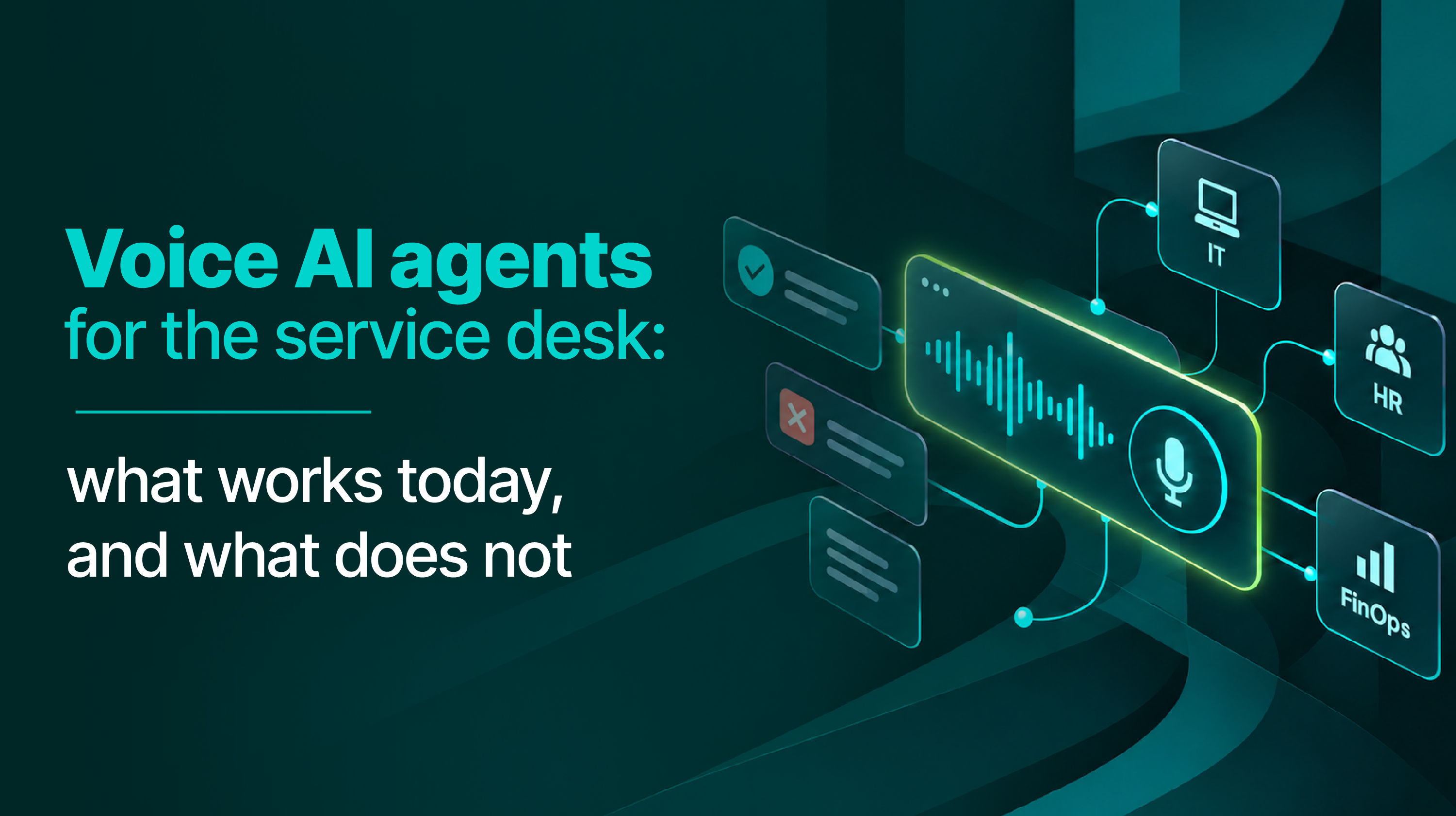
Voice AI agents for the service desk
Most voice AI agents were built to answer customers, not employees who cannot log in to prove who they are. Which service desk calls voice closes end to end today, which it should hand off, and how to report resolution without flattering the number.
ITSM
Voice AI agents for the service desk
Most voice AI agents were built to answer customers, not employees who cannot log in to prove who they are. Which service desk calls voice closes end to end today, which it should hand off, and how to report resolution without flattering the number.
 Knowledge management
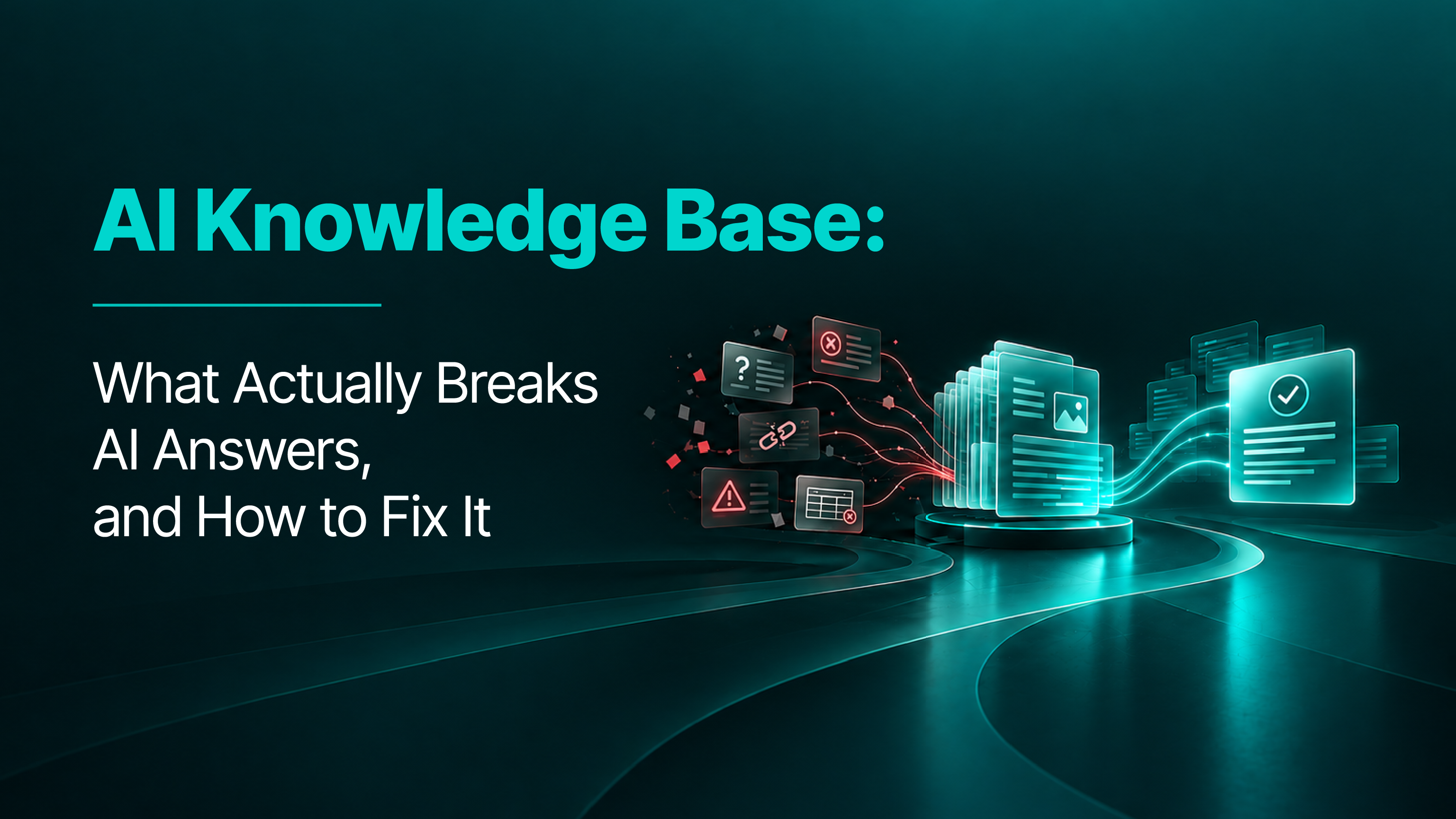
Build a knowledge base AI can trust
Most advice says to rewrite your knowledge base before AI can use it. What actually breaks AI answers is contradictions, staleness, gaps and applicability, and those are fixed by maintenance, not by rewriting.
Knowledge management
Build a knowledge base AI can trust
Most advice says to rewrite your knowledge base before AI can use it. What actually breaks AI answers is contradictions, staleness, gaps and applicability, and those are fixed by maintenance, not by rewriting.