Patch management software: the coverage number that hides the risk
A patch dashboard showing 97 percent compliance is usually measuring the devices that report in, not the ones that matter most. What patch management software does, how the three deployment models differ, the denominator problem, and where patching meets the service desk.

Key takeaways
- Patch compliance is usually reported against the devices a tool can see, so unmanaged and silent devices drop out of the number.
- Measure coverage against the asset register, with devices that have gone quiet tracked as their own group.
- On-premises, cloud-managed and agentless models each have a different blind spot.
- Much of patching's day-to-day impact lands on the service desk, so failed updates and emergency changes need a clean path there.
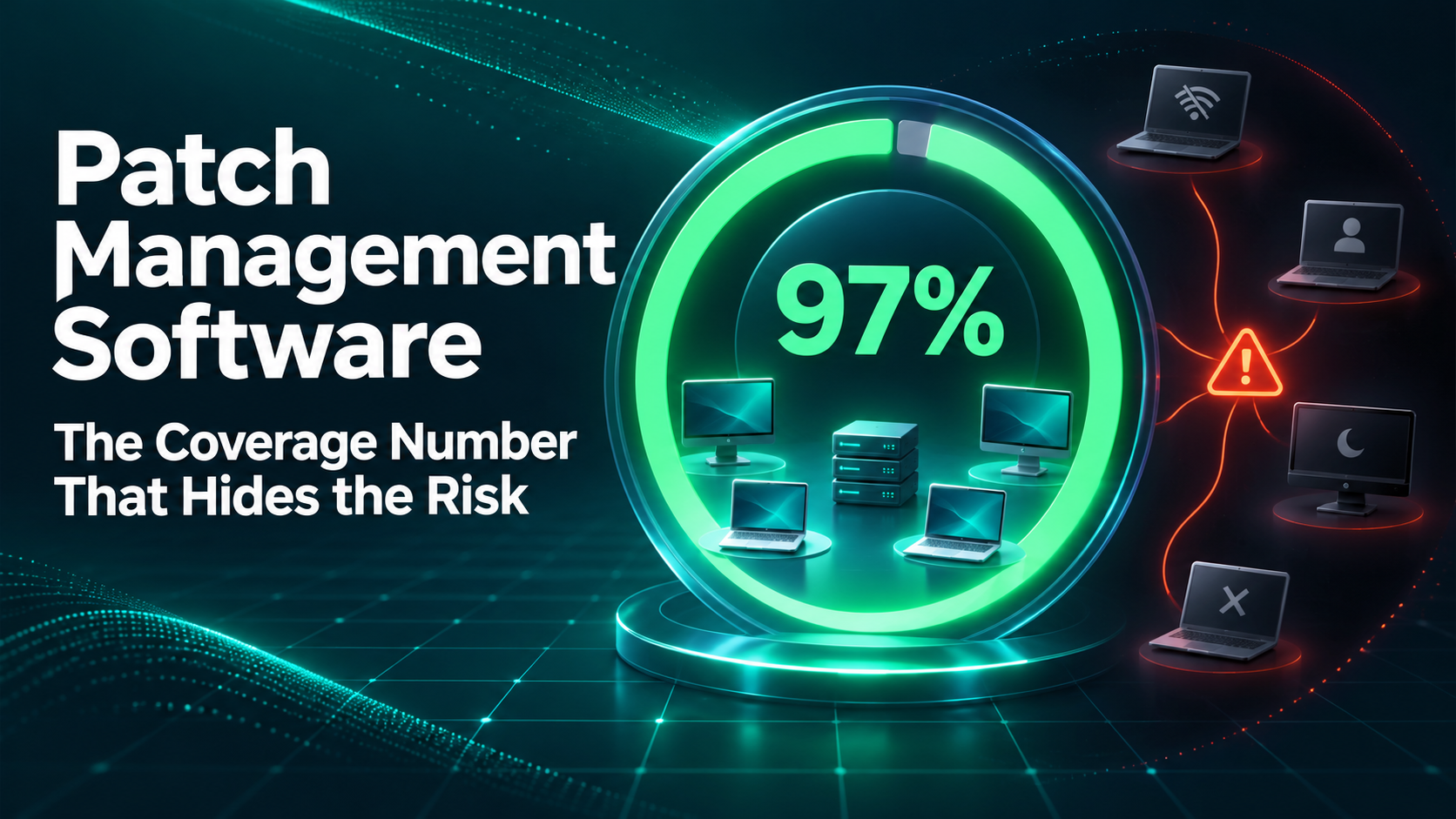
Most patch dashboards answer a narrower question than the one being asked. A compliance figure of 97 percent sounds like a near-complete estate. What it usually means is that 97 percent of the devices the patch agent can see are up to date.
The laptop that has not connected for six weeks, the contractor's machine that never got the agent, and the device sitting in a drawer since someone went on leave are not in that figure at all. They are not counted as failures, because they are not counted.
Those devices are often where the real exposure sits, which is why the most important number in patch management is the one most tools do not show by default.
What is patch management software?
Patch management software finds the operating system and application updates a device needs, tests and schedules them, deploys them, confirms they installed, and reports on what is still outstanding. In practice it covers six steps: inventory, assessment, testing, deployment, verification and reporting.
The product category spans dedicated patching tools, patching built into unified endpoint management, and patching modules inside broader security and IT operations suites.
The three deployment models
| Model | How it works | Where it fits | Where it struggles |
|---|---|---|---|
| On-premises, agent-based | A management server inside the network pushes updates to agents on each device | Large, mostly office-based estates with existing infrastructure | Remote and hybrid devices that rarely touch the corporate network |
| Cloud-managed, agent-based | Agents check in with a cloud service over the internet, wherever the device is | Hybrid and remote workforces | Devices where the agent is missing, broken or blocked |
| Agentless | Devices are scanned and updated over the network using existing credentials | Servers and network-reachable systems | Laptops that are offline or off the network when the scan runs |
None of the three solves coverage on its own. Each sees the devices it can reach, and each one's blind spot is a different set of devices.
The denominator problem
Figure 1. Patch compliance is usually calculated against the devices a tool can see. Devices that never report in drop out of the number entirely.
The fix is to measure patch coverage against the asset register rather than against the patch tool's own list of managed devices. The question changes from "of the devices we manage, how many are patched?" to "of the devices we own, how many are patched, how many are unpatched, and how many have we not heard from?"
That third group is the one to manage actively. Set a threshold for how long a device can go without checking in, and treat crossing it as an event: find the device, find its user, and either bring it back into management or retire it. A device that is missing from patch reporting is usually missing from other reporting too.
Prioritizing what gets patched first
Not every update is equally urgent. Vulnerabilities that are being actively exploited should jump the queue, and the CISA Known Exploited Vulnerabilities catalog is a practical public list of exactly those. Microsoft's monthly release on the second Tuesday, known as Patch Tuesday, sets the rhythm for much of the routine cycle, with emergency updates handled outside it.
Where patching meets the service desk
Patching is usually owned by endpoint or security teams, but a large share of its consequences land on the service desk. Employees ask why their laptop restarted in the middle of a meeting. An update fails and leaves an application broken. A device needs a manual fix because the automated one did not apply. An urgent patch on a production system needs a change record, an approval and a maintenance window.
Each of those is a request, an incident or a change, and how well the service desk handles them shapes how employees feel about patching itself. Restart warnings that explain why, failed updates that reach a technician with the error attached, and emergency changes that are recorded and approved properly all reduce the friction that makes people delay updates in the first place. The differences between incident, problem and change management matter here more than they first appear.
What to look for in patch management software
- Coverage reporting against your asset register, not only against managed devices, with devices that have gone quiet shown as their own group.
- Support for your real estate: remote and hybrid devices, every operating system you run, and the third-party applications that make up most of the attack surface.
- Rings and testing, so updates reach a pilot group before the whole organization.
- Clear failure handling: what happens when an update fails, who is told, and how it is retried.
- Integration with your service desk, so failures, exceptions and emergency changes become trackable work rather than email.
How Rezolve.ai fits around patching
We build the service desk side of this, so read what follows as an interested party's view.
Rezolve.ai is not a patching engine, and it does not replace the patch management software that deploys updates. It handles the work patching creates for people. Agentic Sidekick answers employees wherever they ask when an update restarts their machine or breaks an application, resolves the common fixes, and routes the rest to a technician with the context attached. Emergency patches can be raised and approved as changes on the ITSM system of record, and the workflows and automations around them can be built in Rezolve Creator Studio to connect with the endpoint tools you already run.
Patch management software tells you what is patched. Pair it with an asset register that tells you what you own and a service desk that handles what patching breaks, and the coverage number starts to mean what it says.
Learn more about connecting Rezolve.ai to the tools you run.
Last updated on November 10, 2026
Get summary with:
See the agentic service desk in action
Watch Rezolve.ai autonomously resolve real IT and HR tickets: governed, auditable, glass-box.
Frequently asked questions
What is the difference between patch management and vulnerability management?
Vulnerability management finds and prioritizes security weaknesses across the estate, including misconfigurations and issues no patch exists for. Patch management is the process of deploying the updates that fix many of those weaknesses. Most organizations run them together, with vulnerability management deciding what matters most and patch management doing much of the fixing.
How often should patches be deployed?
Most organizations follow a monthly cycle aligned to vendor release schedules such as Microsoft's Patch Tuesday, with critical and actively exploited vulnerabilities patched outside that cycle as soon as they can be tested. The right cadence depends on how quickly you can test updates without disrupting the business.
Should patching be fully automated?
Routine updates for workstations and common applications are good candidates for automation, deployed in rings starting with a pilot group. Production servers and business-critical systems usually still need a change record, approval and a maintenance window, because a failed update there has a much wider impact.
Why do patch compliance numbers look better than reality?
Because most tools calculate compliance against the devices they manage. Devices without a working agent, offline for weeks, or never enrolled are left out of the calculation entirely, so the percentage can be high while the unmanaged devices carry most of the risk.
Does patch management software include third-party applications?
Many products cover major third-party applications as well as operating systems, but coverage varies widely. Check the specific applications your organization runs, since browsers, document readers and collaboration tools often make up a large share of the vulnerabilities that matter.