How a Phone Call Becomes a Triaged Ticket (Without a Human Touching It)
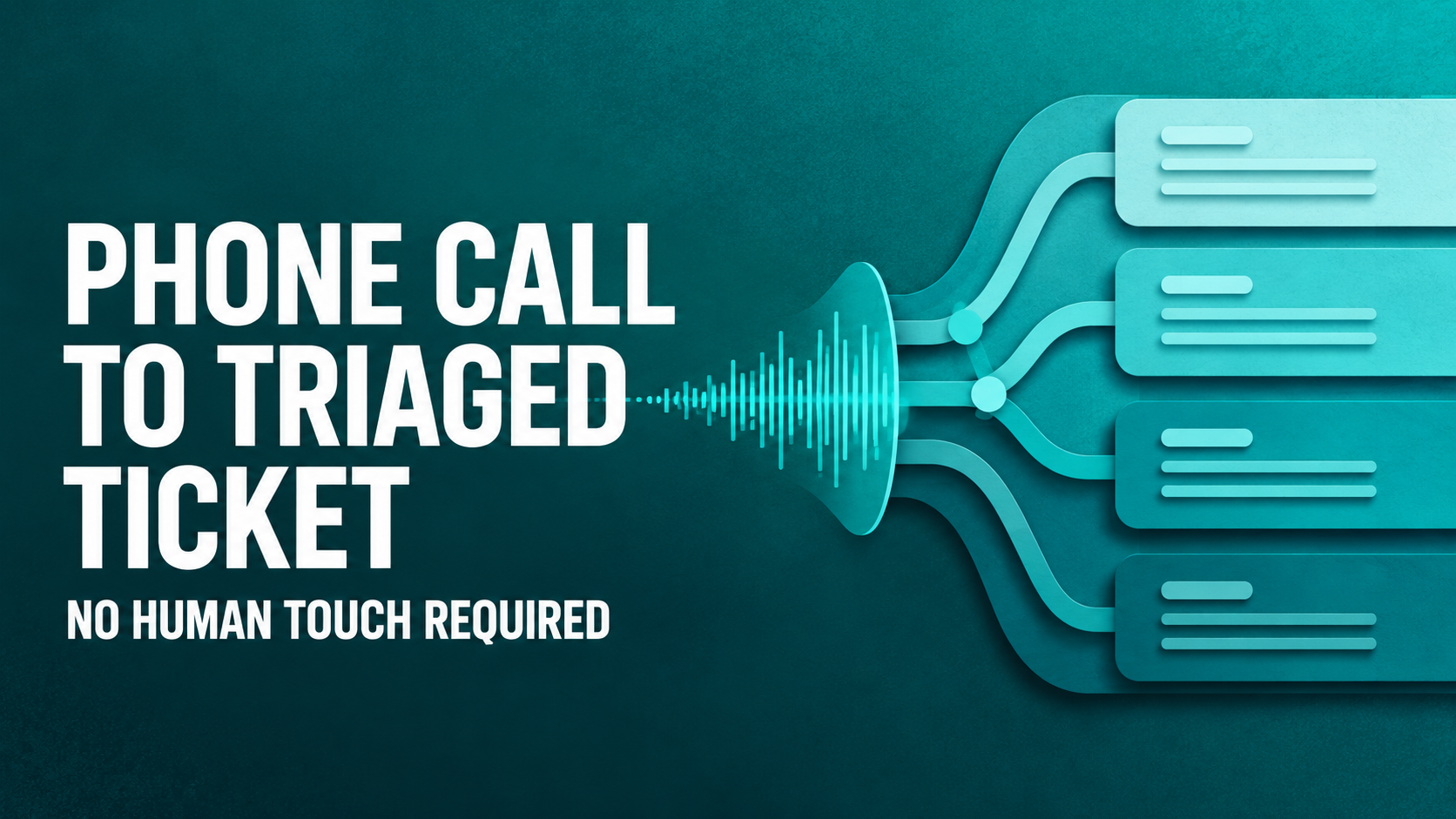
One screenshot of one ticket shows the full pipeline: VoiceIQ takes the call, an Agent Studio agent triages it, and Agent Assist briefs the human, with every decision, including the refusals, on the record.

Key takeaways
- VoiceIQ runs a real intake conversation on the phone, and resolved a second issue, an Okta password change, live on the call
- An Agent Studio triage agent assigned, categorized, and checked the CMDB, and declined to guess when it couldn't make a confident match
- Agent Assist synthesizes the call and the triage trail into a brief a human can absorb in seconds
- Every action and every deliberate non-action is documented and auditable, governed autonomy in practice
An employee picked up a phone. Not Teams, not a portal, not email: a phone call, the support channel everyone assumes AI can't touch.
What follows is a walkthrough of a single incident, INC-0371, as it appears in the Rezolve.ai agent workspace. One ticket, one screen. It happens to show most of the platform working in sequence: VoiceIQ on the call, an Agent Studio agent on triage, and Agent Assist briefing the human who picks it up, all on top of the system of record.
The call: a real intake conversation
The transcript sits on the ticket automatically. The employee describes the problem the way people actually talk: the laptop is overheating, it started the day before yesterday, right after uninstalling an application. It's a Dell, i5 9th gen. They already tried adjusting settings; it didn't help.
That is a proper intake interview (timeline, trigger event, hardware, steps already taken), conducted by a voice agent, with no human on the company's side of the call.
Then, mid-call, the employee remembers a second issue: they need their Okta password changed. VoiceIQ doesn't promise a ticket. It executes the change while the employee is still on the line. "Oh, it's done." One issue resolved before the call ends: no ticket, no queue, no handoff.
The overheating laptop is different. That's physical hardware, possibly a failing component. No AI should claim to fix a thermal problem over the phone. So it becomes an incident, and the pipeline keeps moving.
The triage: actions taken, and actions declined
A triage agent built in Agent Studio picks up the new incident and leaves a note on the ticket narrating exactly what it did:
- Assigned the ticket to the top available IT agent in the queue, with the reason stated: prompt support for a hardware issue.
- Categorized it as IT > Device Issues > Hardware Performance, based on the description.
- Checked the CMDB for the employee's Dell laptop, and attached nothing, because no asset could be confidently matched.
- Reviewed an open Problem record (PM-0004) for possible linkage, and declined to link it, judging it generic and unrelated to this symptom, with the reasoning written down and the door left open if better asset data appears.
Read those last two again. The most important lines in the note are about things the AI chose not to do.
Most AI demos show software taking action. Very few show software declining to act, and documenting why. But that restraint is precisely what separates a demo from something an IT leader will allow near production systems. An agent that guesses at an asset match or force-links an unrelated Problem record creates work and erodes trust. An agent that says "no confident match, so I didn't" earns it.
This is what we mean by governed autonomy: every agent action is scoped, explainable, and audited, including the non-actions.
The briefing: everything flows uphill
On the right side of the workspace, Agent Assist turns the call and the triage trail into a brief a human can absorb in seconds:
- What's Broken, in plain English: a Dell laptop overheating, unresolved by settings changes.
- Since When and Who's Affected, extracted from conversational speech into structured fields.
- Business Impact (disrupted work, performance throttling, hardware damage risk), inferred, not typed by anyone.
- Actions Taken, mirroring the triage note item for item, refusals included.
- A health flag marking the ticket as needing attention, because the system knows this one still requires human hands.
And under the analysis, a plain label: AI-generated, based on the description, notes, and metadata. The reasoning is on the surface, not hidden behind a score.
Why one screenshot matters
By the time a human engineer opens INC-0371, they know what's broken, since when, who's affected, why it matters, everything that's been done, and everything that deliberately wasn't. They start at the finish line of the intake process instead of the starting line.
A phone call in. A structured, triaged, human-ready incident out. One issue already resolved along the way. Every decision auditable.
Autonomous where it can. Honest where it can't.
This is the same pipeline behind the numbers our customers see: roughly 70% of requests resolved before they ever become tickets, and stories like MyEyeDr resolving in about 10 minutes with ~30% of issues never becoming tickets. If you'd like to see the pipeline live on your own workflows, book a demo.
Last updated on August 27, 2026
Get summary with:
See the agentic service desk in action
Watch Rezolve.ai autonomously resolve real IT and HR tickets: governed, auditable, glass-box.