
Insights for the agentic service desk era
Deep dives on autonomous ticket resolution, AITSM, and employee experience, from the team building Rezolve.ai.
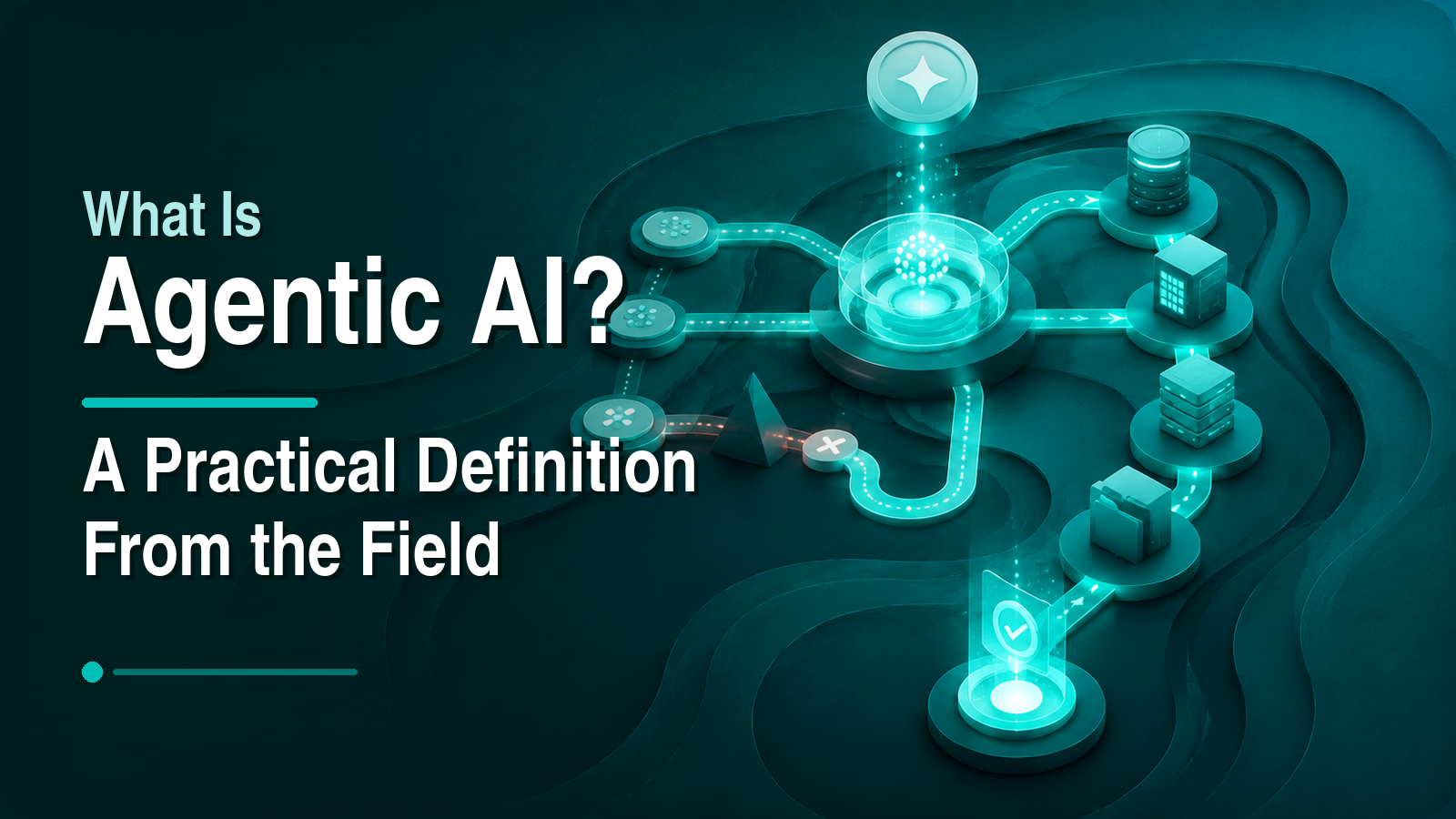
What Is Agentic AI? A Practical Definition From the Field
Most definitions of agentic AI are either science fiction or vendor fluff. Here is a working definition from a team that ships agents into production: what makes AI genuinely agentic, why tools and governance matter more than the model, and what honest limitations remain.

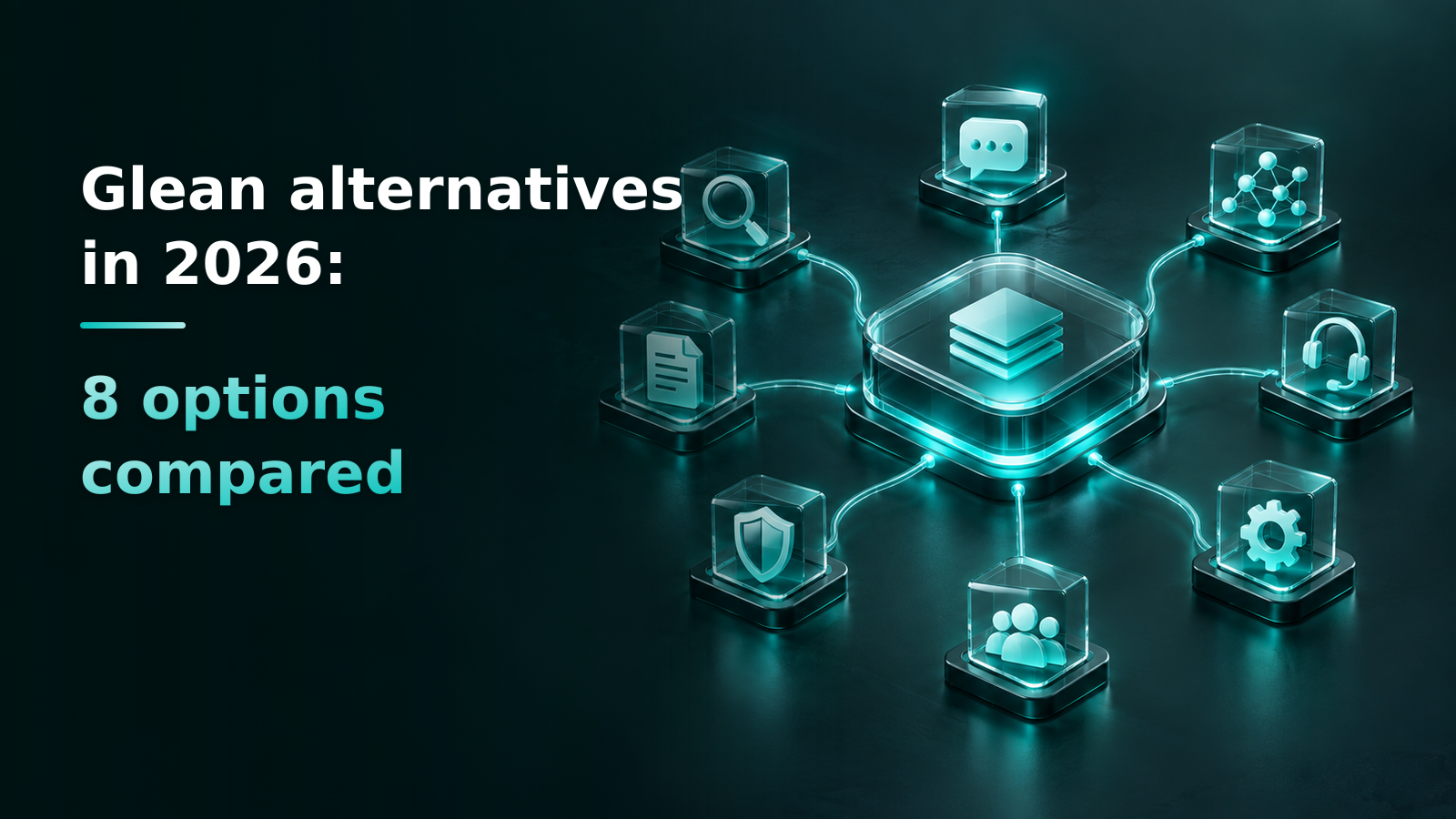
Glean alternatives in 2026: 8 options compared
Why teams move off Glean, and eight alternatives compared by what each is built for, how it is priced and what you give up: Microsoft 365 Copilot, Atlassian Rovo, Google Vertex AI Search, Coveo, Sinequa, Onyx, Moveworks and ServiceNow EmployeeWorks, and Rezolve.ai.
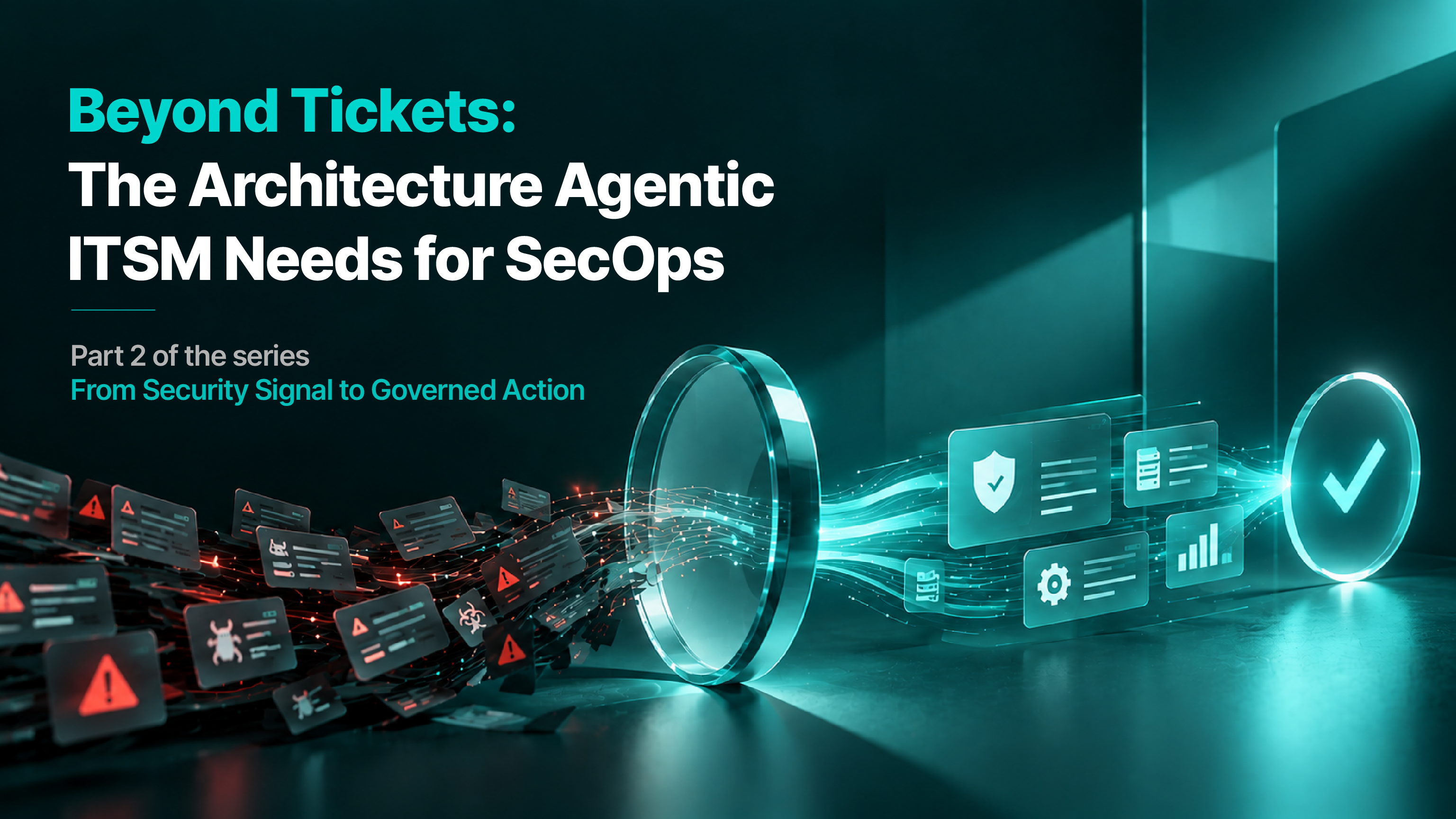
Beyond Tickets: The Architecture Agentic ITSM Needs for SecOps
Agentic ITSM goes beyond adding AI to tickets. Discover how a dynamic context graph, AI agents, policy-driven governance, automated execution, and closed-loop verification can transform security operations into contextual, explainable, and governed action.
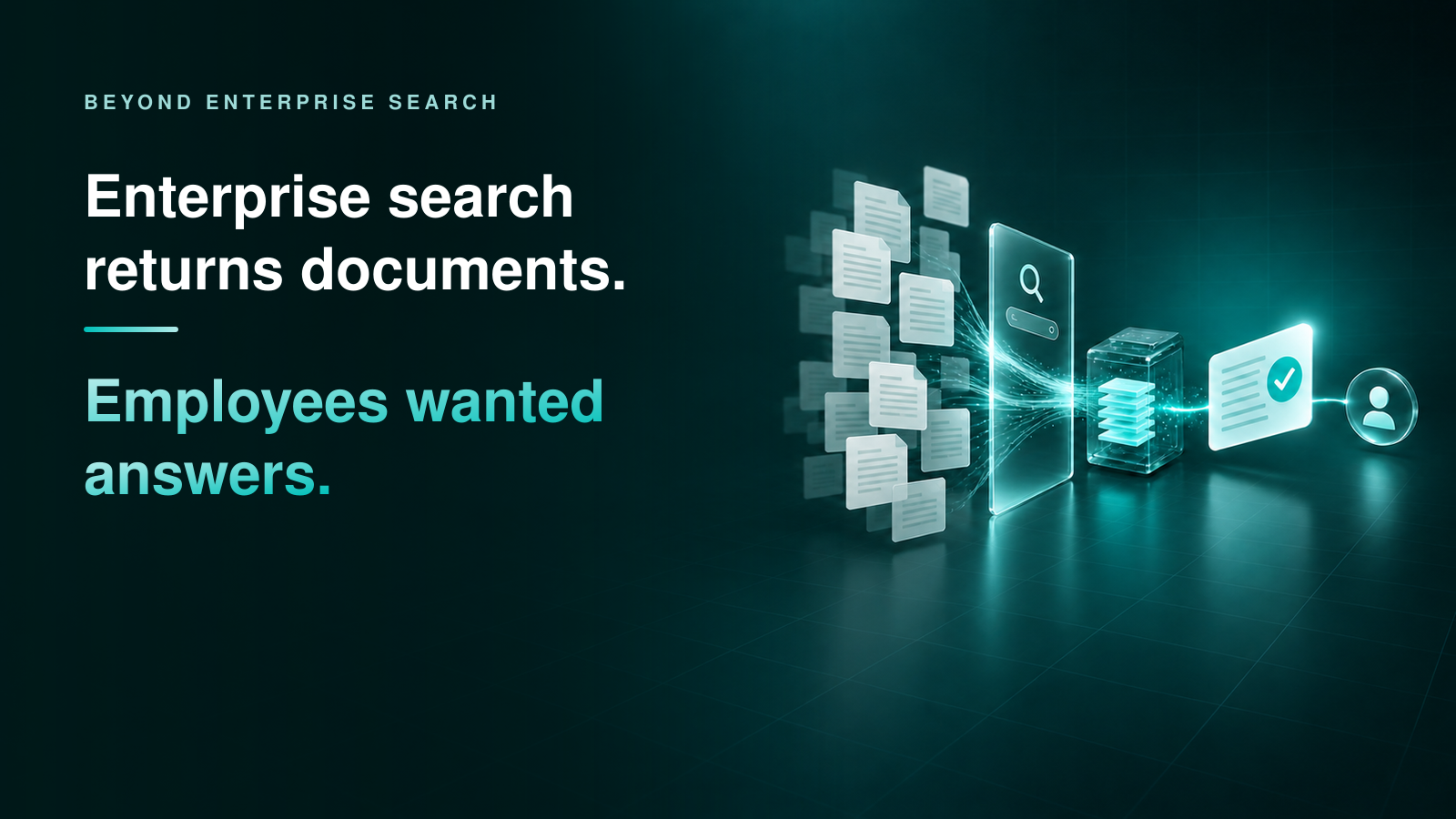
Enterprise search returns documents. Employees wanted answers.
Enterprise search has been reinvented three times and still ends at something to read. What enterprise search does well, where retrieval stops being useful, and why for most employee questions the last step is an action rather than a result.
SecOps Is Moving at Machine Speed. ITSM Must, Too.
Different reports measure different populations and attack stages, but the operational implication is hard to ignore - The attacker's clock is accelerating, but the enterprise response clock is not keeping up with it.
Rezolve.ai vs Aisera (Automation Anywhere): Detailed Comparison Guide for 2026
How Rezolve.ai and Aisera (Automation Anywhere) differ on scope, pricing mechanics and time to value, now that Aisera belongs to Automation Anywhere.
AI Knowledge Base: What Actually Breaks AI Answers, and How to Fix It
Most advice says to rewrite your knowledge base before AI can use it. What actually breaks AI answers is contradictions, staleness, gaps and applicability, and those are fixed by maintenance, not by rewriting.
Get service-desk AI insights in your inbox
Practical guidance on agentic AI for IT and HR support: one email, no spam.
Aisera (Automation Anywhere) in 2026: Features, Pricing, Reviews and Latest Updates
What Aisera does, what it costs, how users rate it, and what changed after the Automation Anywhere acquisition.
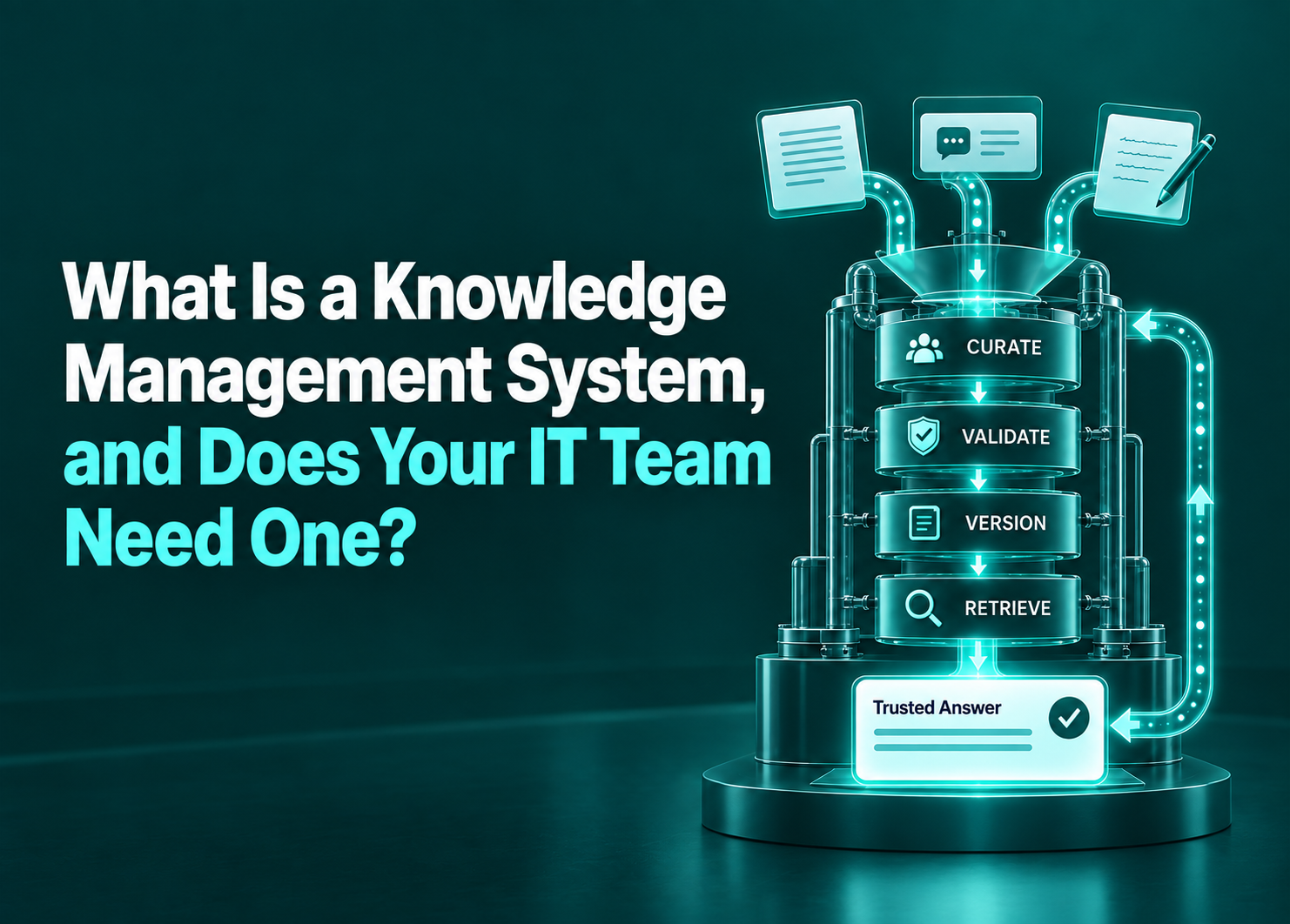
What is a Knowledge Management System, and Does Your IT Team Need One?
A knowledge management system is capture, structure, retrieval and governance, and software is only one of the four. What it is, how it differs from a knowledge base, an intranet and enterprise search, the four signals in your ticket data that say your IT team needs one, and the case for not building one at all.

Employee offboarding does not end on the last day
Offboarding stops at the checklist, but former employees keep needing verifications, letters and answers for years afterwards. What they actually ask for, why almost nobody serves them, and how AI makes an ex-employee desk viable without adding headcount.

HR service delivery: what case volume does not show you
HR service delivery metrics measure the cases that arrived, not the demand that never became one. What each tier of the model hides, why a healthy first-contact resolution rate can be a warning sign, and five signals already in your systems that reveal what your people actually need.

Employee experience platform: what you are actually buying
"Employee experience platform" is one label covering three different products: communication and content, listening and feedback, and service and resolution. Each is good at its own job and structurally unable to do the other two. How to tell which one a vendor is selling, and which column owns the numbers your CFO asked about.

ServiceNow vs Salesforce: a 2026 comparison for ITSM, employee support, HR, and FinOps
Compare ServiceNow vs Salesforce for ITSM, HR, and FinOps in 2026. Evaluate Agentforce, Now Assist, and build-vs-buy frameworks for enterprise scaling.

Agent Governance: What it Looks Like When it is Built in?
It does not matter how large of a fleet of AI agents your organization is running. While their quality and effectiveness are a different ball game to worry about, their governance is another
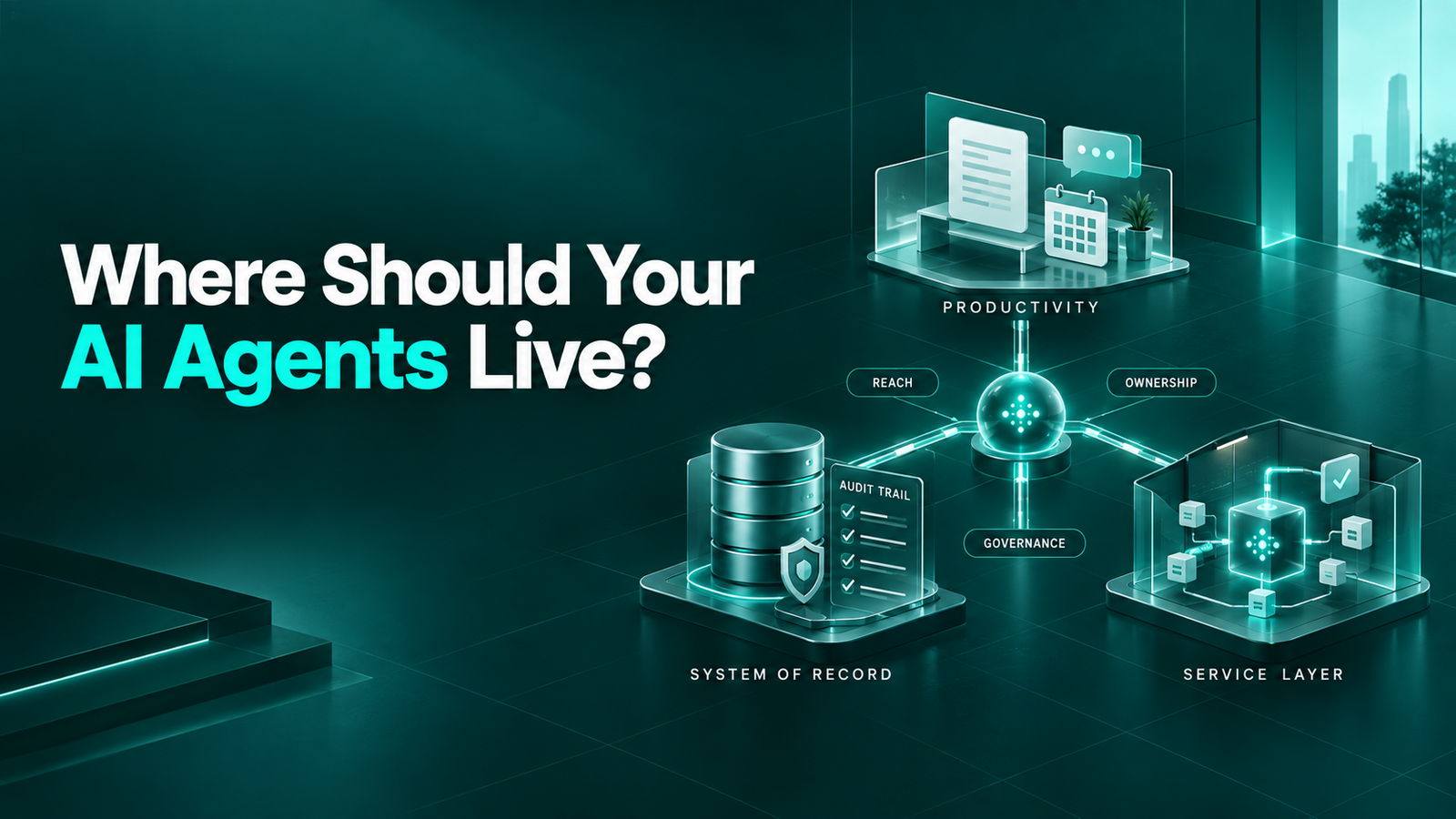
Where Should Your Agents Live- Copilot, Claude or Rezolve.ai?
The biggest AI agent failure isn't technology, it's placement. Enterprises that define agent ownership, governance, and platform residency upfront are far more likely to realize value than those simply focused on building more agents.

There is Zero Reason, Anymore, to Buy an Overpriced ITSM or ESM
For a long time, moving from one ITSM to another carried a set of roadblocks - some real and some perceived. That was especially true when the product you were leaving was a premium one, especially with a lot of data and workflows already committed to it.

HR Service Management: The Cost of Inheriting an IT Mindset
HR service management needs more than ticketing. Learn what to look for in a platform built to handle sensitive, contextual and complex employee requests.
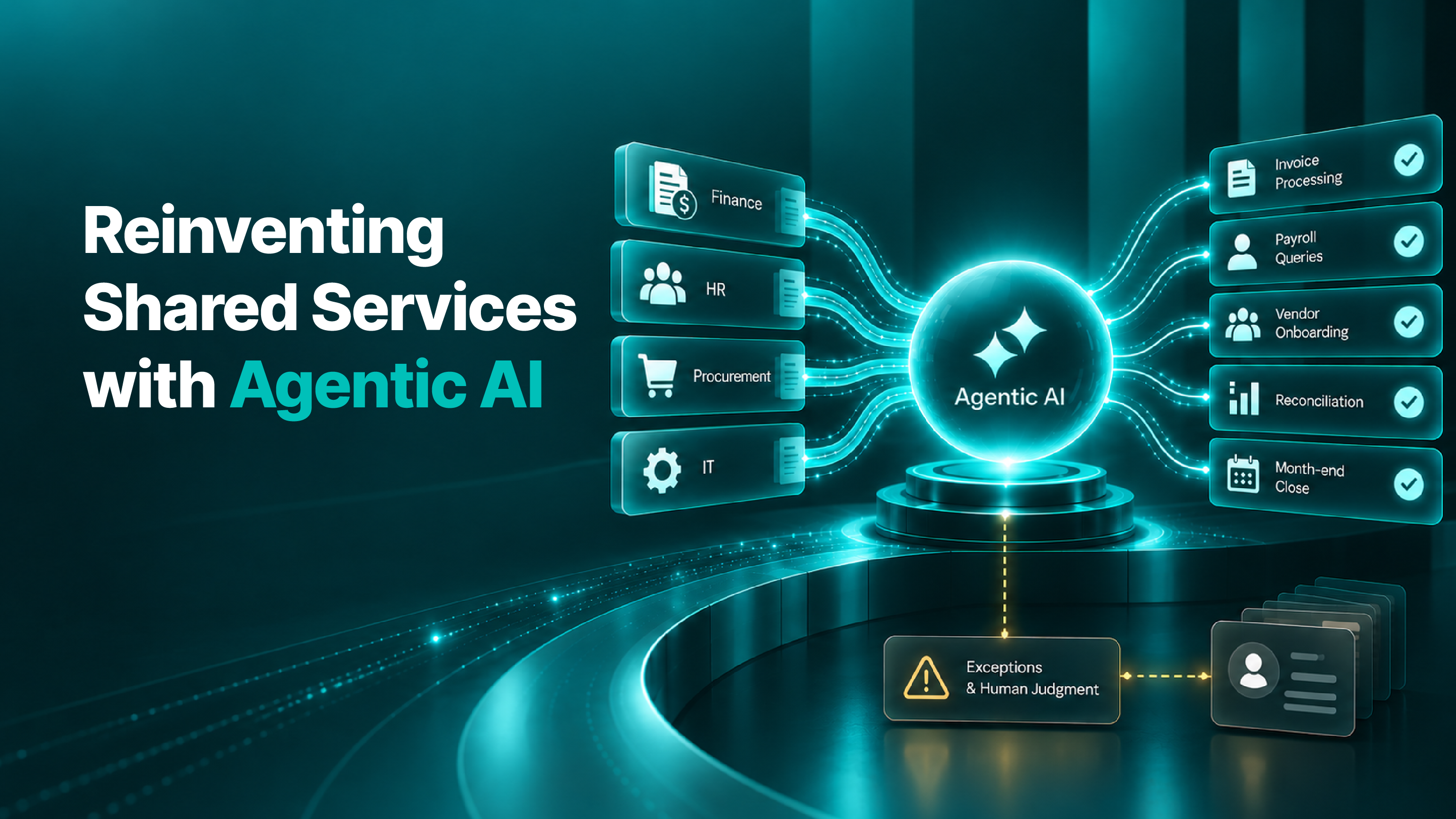
Reinventing Shared Services with Agentic AI
The shared services organization has already done much of the hard work AI needs: defined processes, clear ownership, measurable workloads and centralized systems. Now the question is no longer how to consolidate the work, but how much of it a digital worker can actually do.

Enterprise Service Management: Why Employees Need One Front Door
Service delayed is sometimes service denied, and the failure is a quiet one: some people give up, some ask a colleague and get an answer that was right for that colleague and wrong for them, and some decide the problem is not worth the effort.
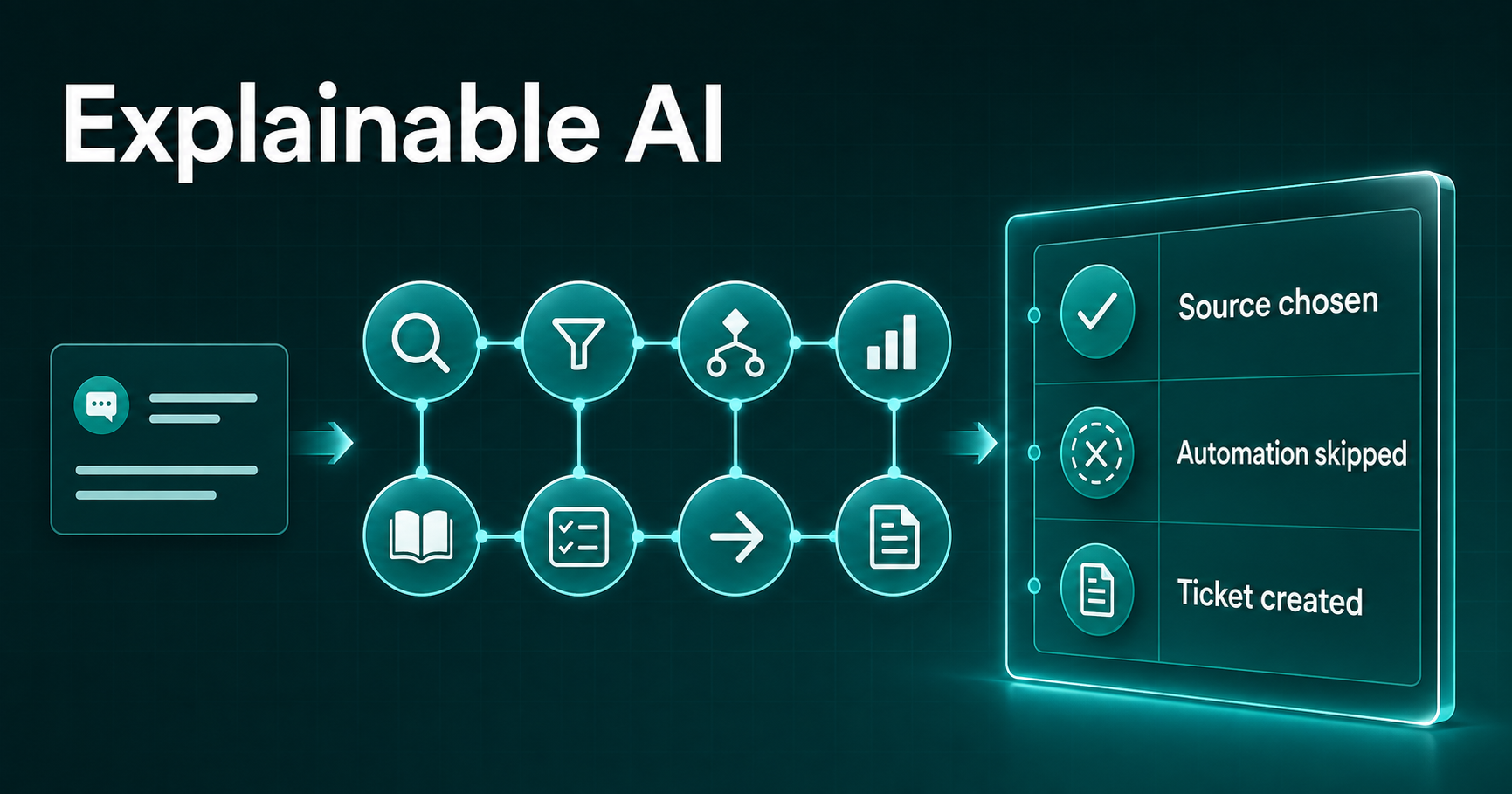
Explainable AI: A Window Into the Mind of Agentic AI
See how explainable AI makes agentic IT support accountable by revealing the evidence, decisions and actions behind every outcome—and showing teams exactly where knowledge, automation or governance needs improvement.
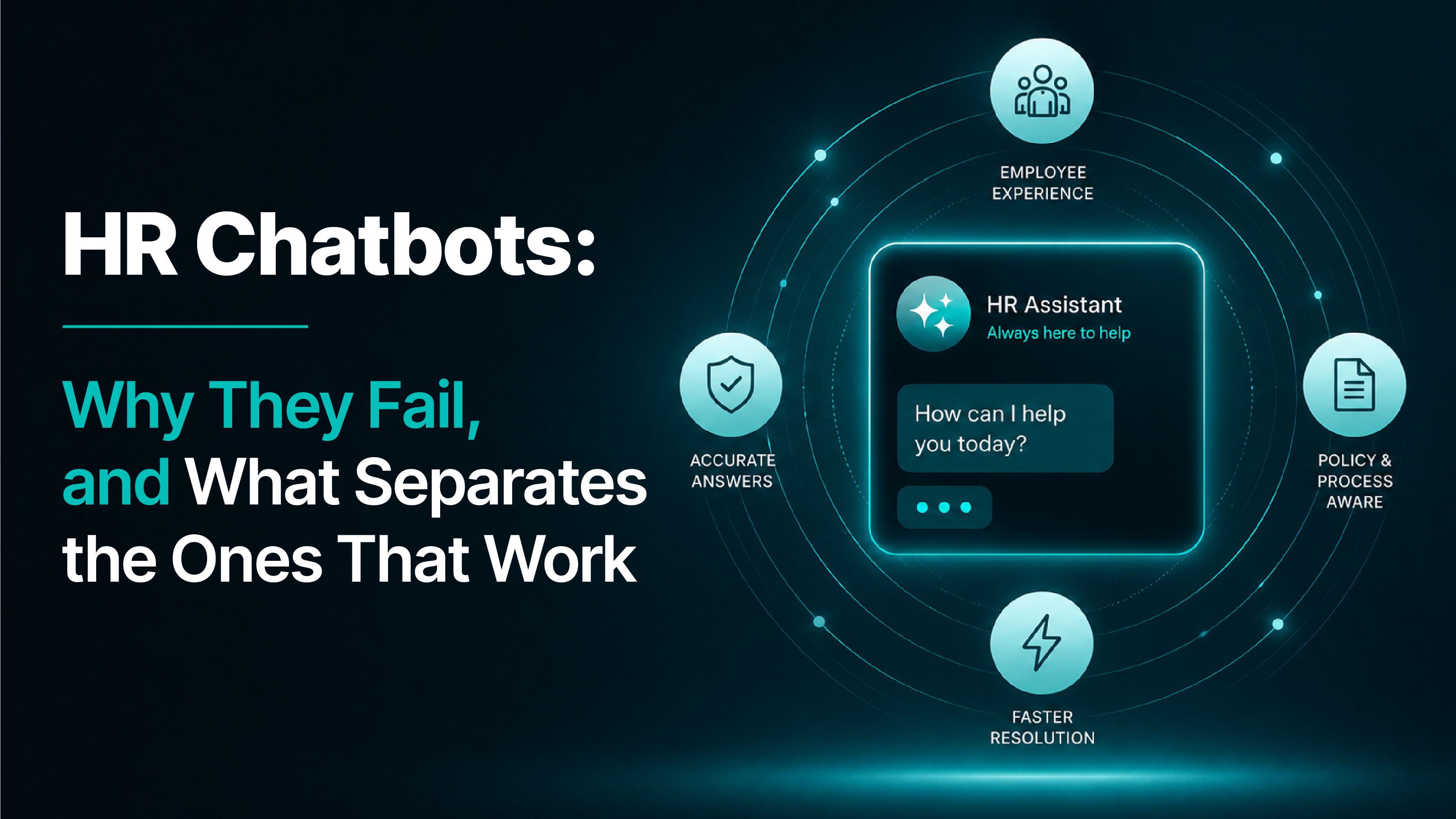
HR Chatbots: Why They Fail, and What Separates the Ones That Work
Why do employees abandon HR chatbots? Learn the six capabilities that earn trust: grounded answers, completed actions, broad coverage, personalisation, every-channel access and a clear path to human support.
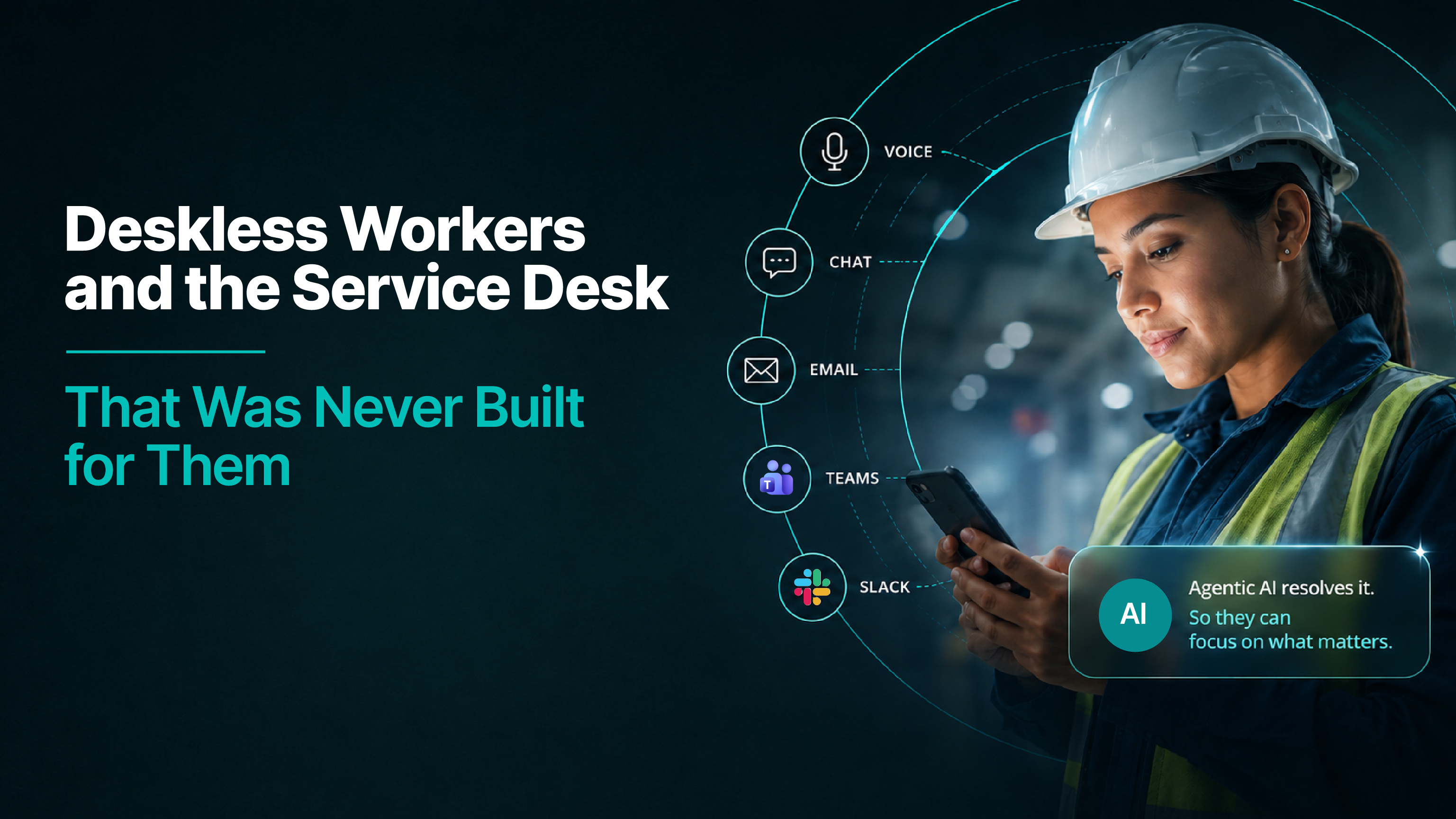
Deskless Workers and the Service Desk That Was Never Built for Them
Most deskless workers have no AD account, so the service desk cannot see them. Discover what identity, shared screens, mobile and voice must solve before support reaches the floor.
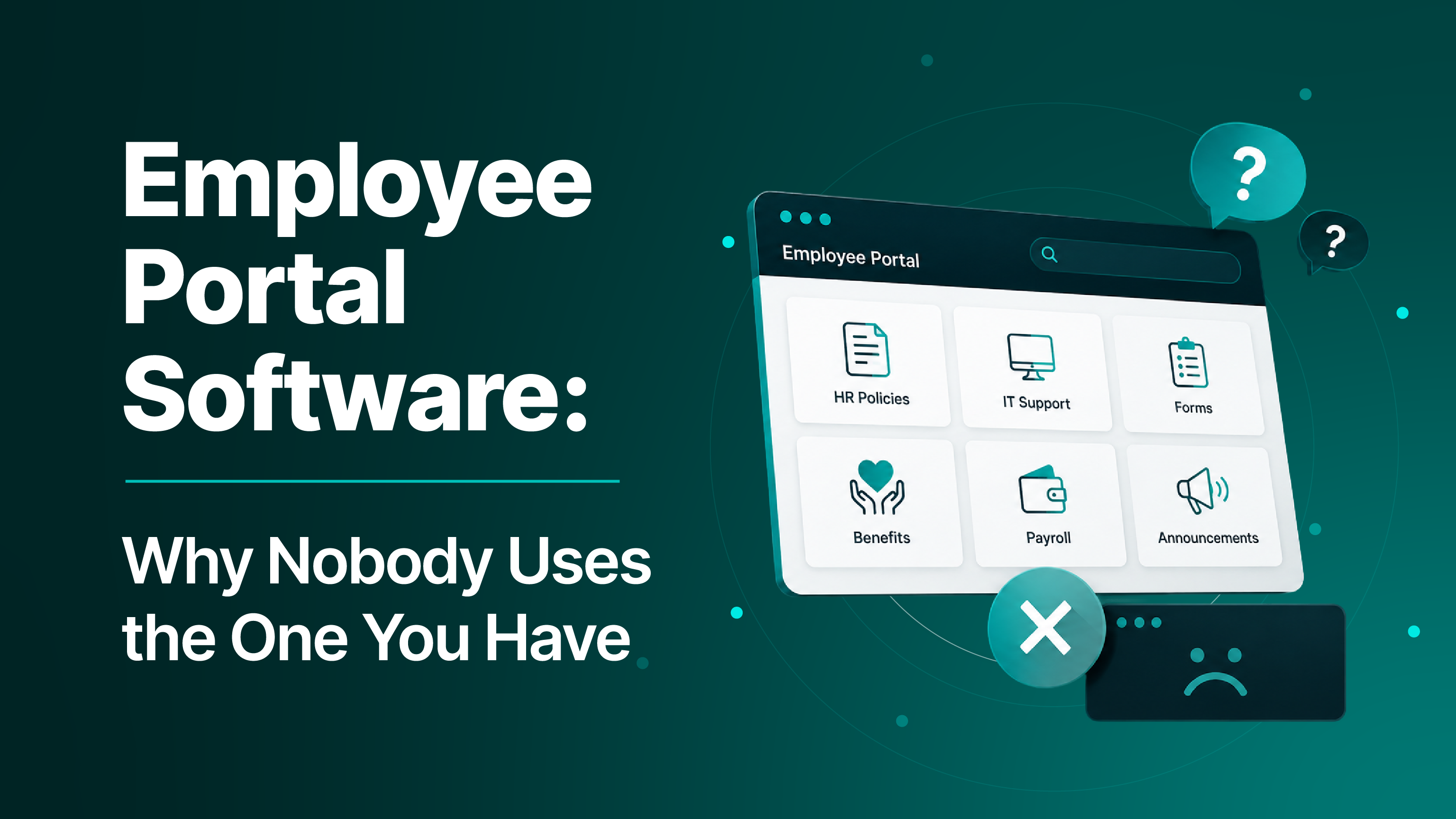
Employee Portal Software: Why Nobody Uses the One You Have
Why does employee portal adoption stay low? Discover what the portal is really competing against—and how bringing answers and actions into employees’ existing channels creates a faster route to support.
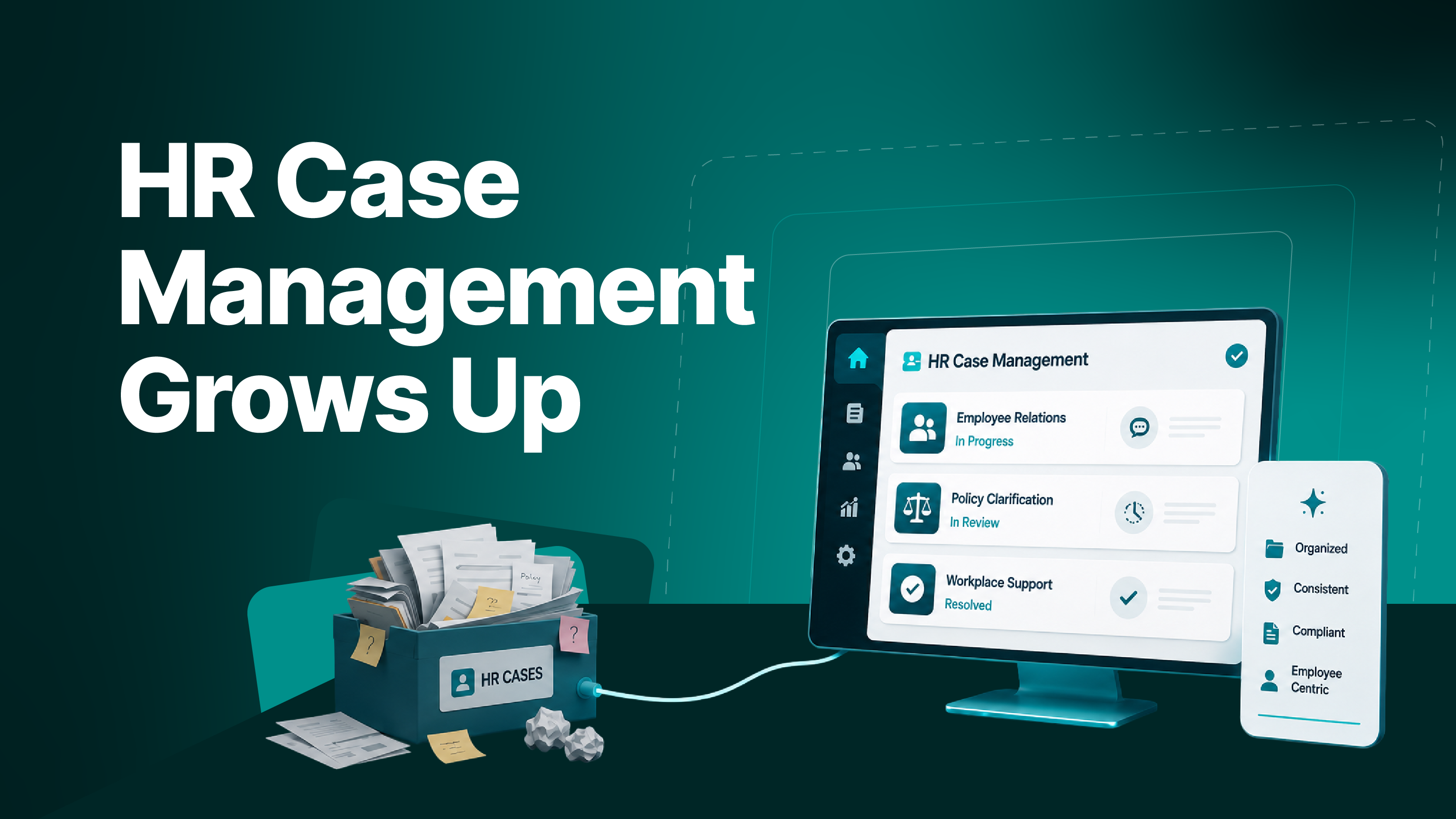
HR Case Management Grows Up
See how agentic AI helps HR teams prioritise risk, surface stalled cases, support associates and build audit-ready records—while keeping investigations, determinations and sensitive communications firmly under human control.
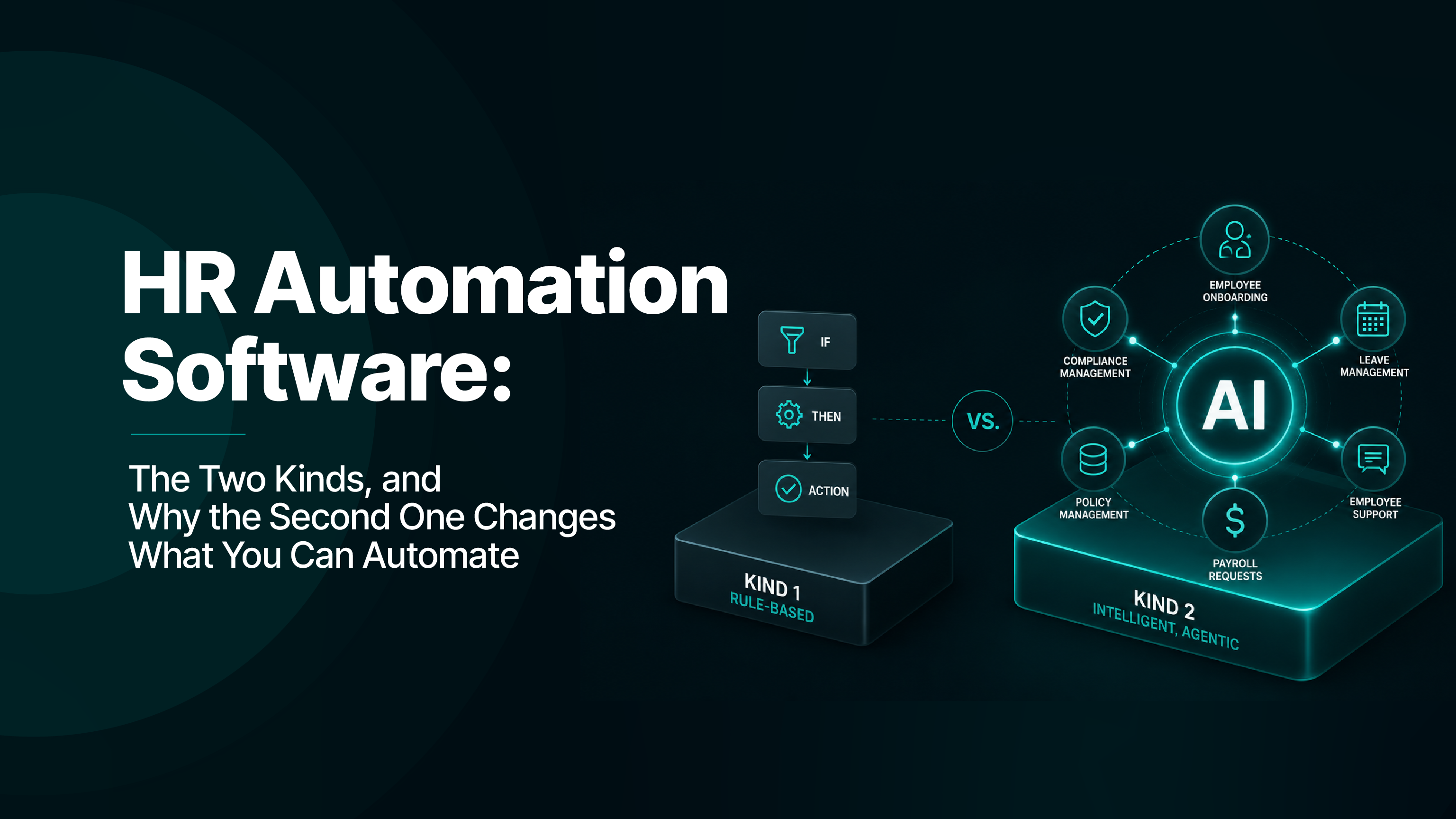
HR Automation Software: The Two Kinds, and Why the Second One Changes What You Can Automate
Explore how HR automation moves beyond fixed workflows to handle variable work—applying policies, coordinating systems and escalating uncertainty without sacrificing control, consistency or an auditable record.
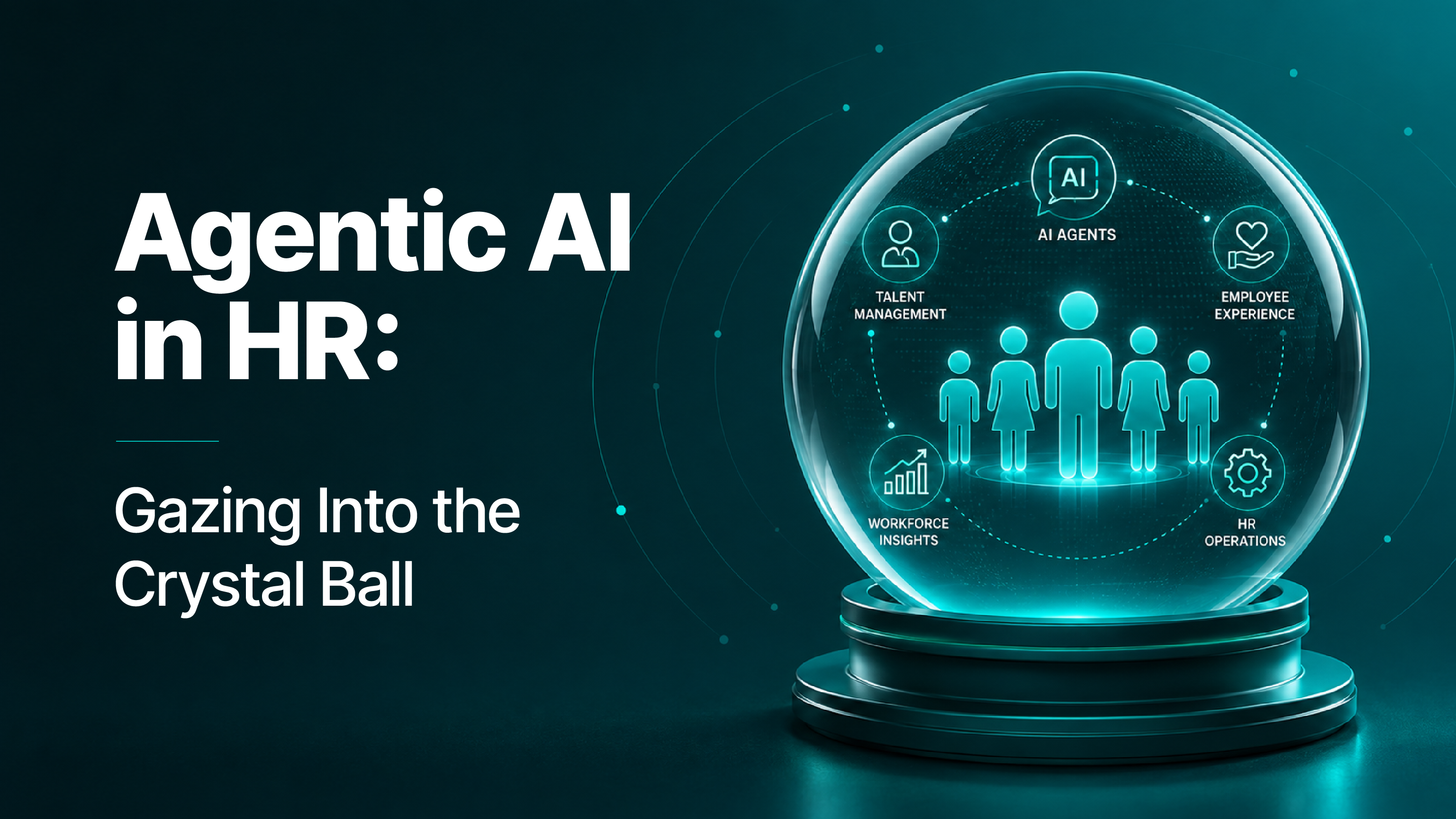
Agentic AI in HR: Gazing Into the Crystal Ball
Explore how agentic AI is changing HR, why early projects may disappoint, and what teams must do now to move from inflated expectations to measurable, repeatable business value.
AI Cost Management: What We Learned From Metering Our Own AI Spend
We built a spend tool for ourselves because AI is our main cost of goods. Here is what it found, and what it keeps finding for everyone else.
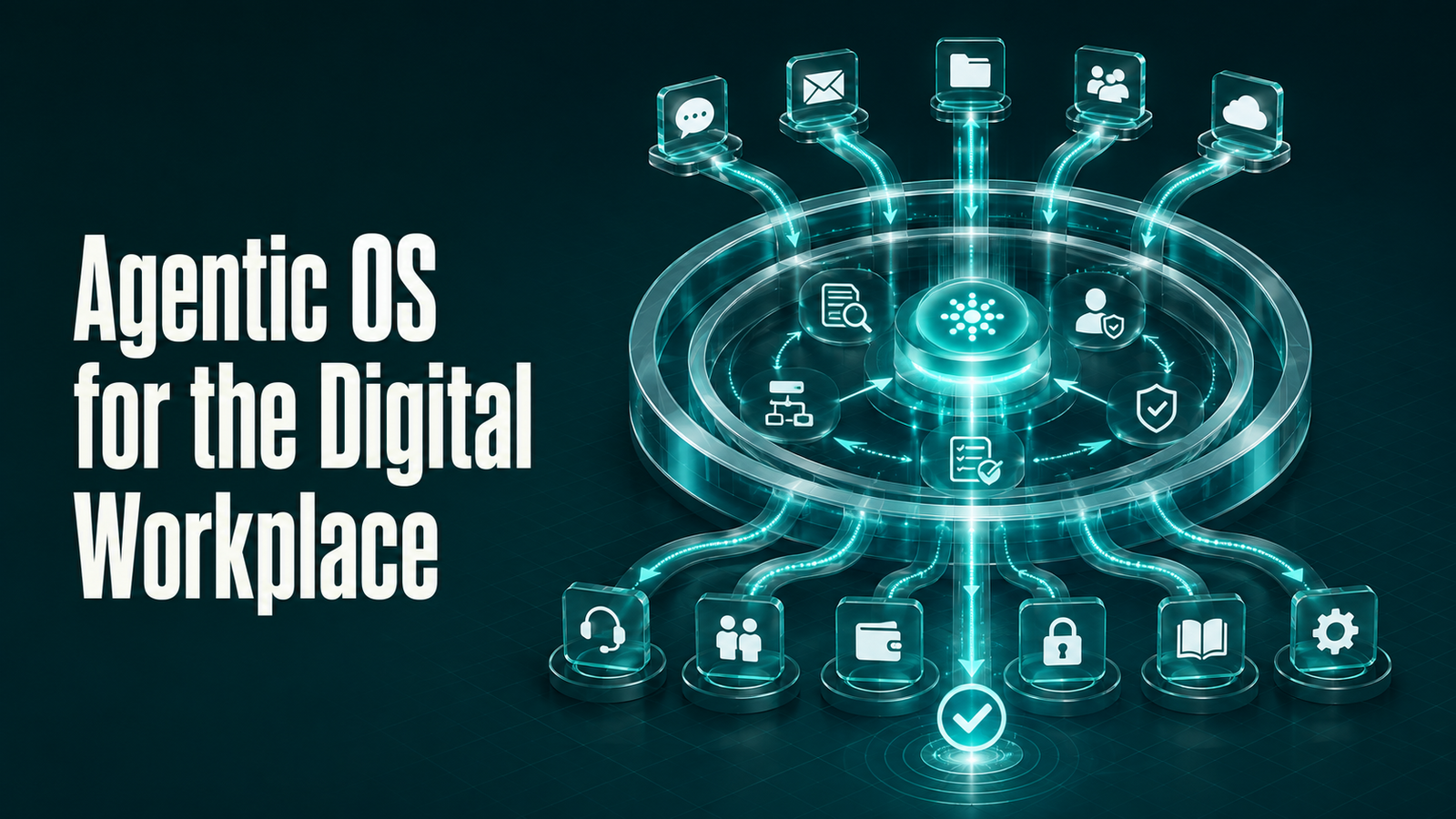
Agentic OS for the Digital Workplace
A tower-by-tower look at what AI agents actually change in the digital workplace, and why the architecture matters more than the model.
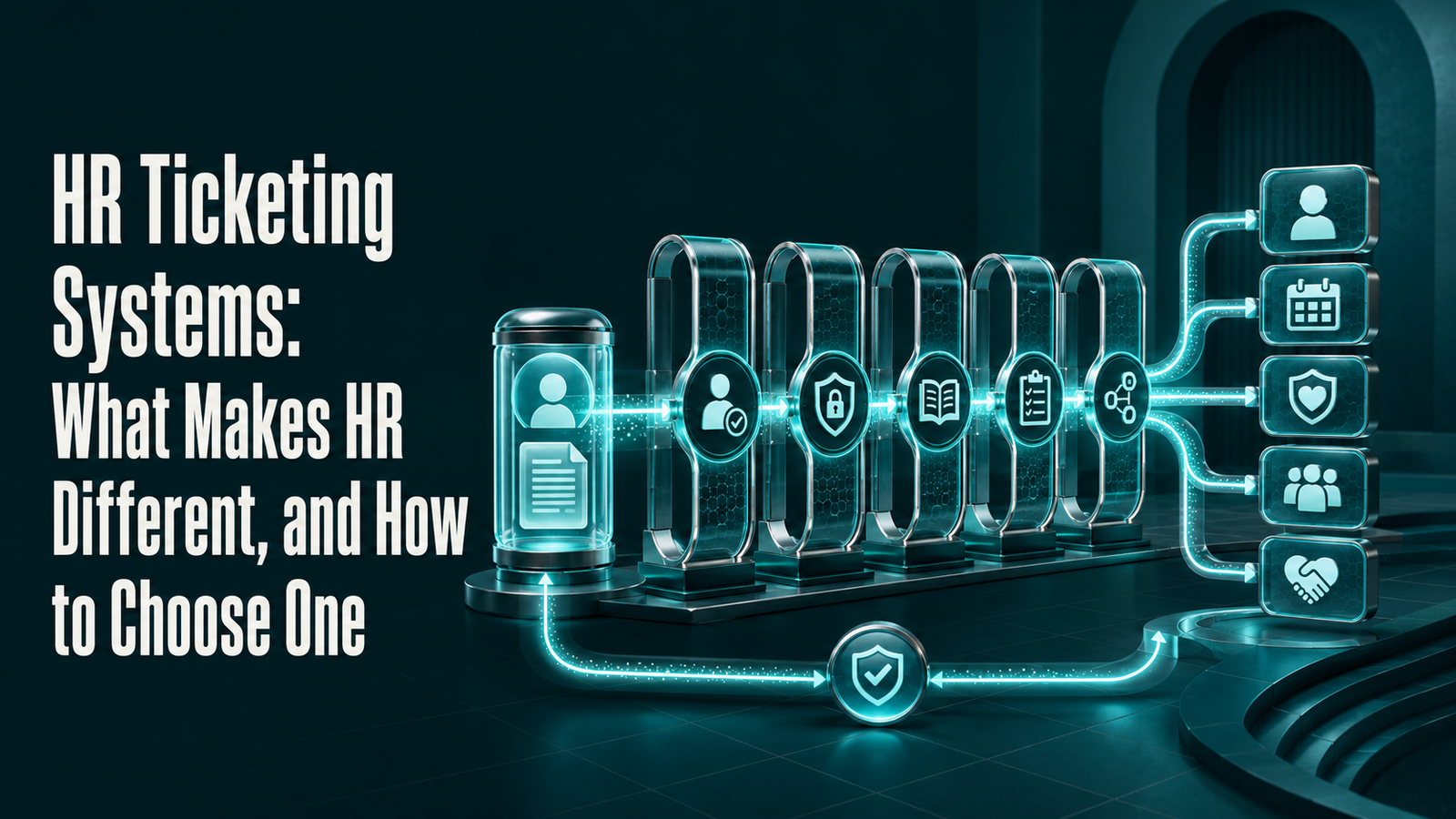
HR Ticketing Systems: What Makes HR Different, and How to Choose One
Most HR ticketing systems are IT ticketing systems with the word "HR" in front of them. Here's what an HR ticketing system actually needs to do, what the three common types get wrong, and how to test any of them before you buy.
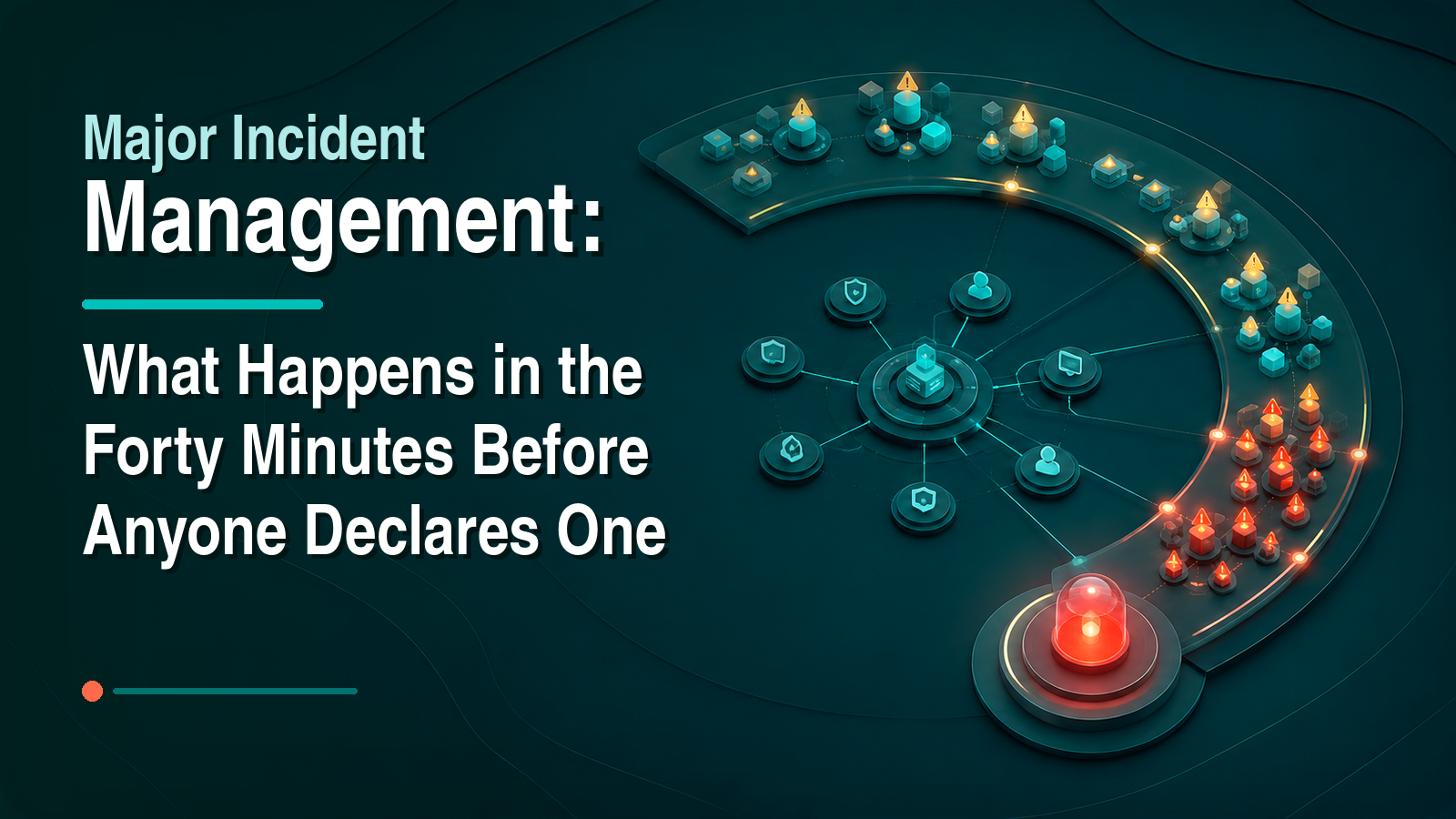
Major Incident Management: What Happens in the Forty Minutes Before Anyone Declares One
The interval before anyone says the words "major incident" is where the cost accumulates. Here is what happens inside it, and what changes when the pattern is spotted for you.

Rezolve.ai Recognized in the 2026 Gartner® Magic Quadrant™ for AI Applications in IT Service Management
Rezolve.ai, the agentic AI service desk for IT, HR, and Finance, has been recognized in the 2026 Gartner Magic Quadrant for AI Applications in IT Service Management — one of nine vendors evaluated.
Rezolve.ai Ranked Highest in Two Use Cases in the 2026 Gartner® Critical Capabilities for AI Applications in IT Service Management
Rezolve.ai, the agentic AI service desk for IT, HR, and Finance, has been ranked highest in two use cases in the 2026 Gartner Critical Capabilities for AI Applications in IT Service Management: the AI for End-User Self-Service Use Case, with a score of 3.39 out of 5, and the AI for IT Agents Use Case, with a score of 3.14 out of 5 — the highest scores among the 10 products evaluated in each.
Rezolve.ai Ranked Highest in the AI for End-User Self-Service Use Case in the 2026 Gartner® Critical Capabilities for AI Applications in IT Service Management
Rezolve.ai, the agentic AI service desk for IT, HR, and Finance, has been ranked highest in the AI for End-User Self-Service Use Case in the 2026 Gartner Critical Capabilities for AI Applications in IT Service Management, with a score of 3.39 out of 5 — the highest score among the 10 products evaluated. Rezolve.ai was also ranked highest in the AI for IT Agents Use Case, with a score of 3.14 out of 5.
Rezolve.ai Ranked Highest in the AI for IT Agents Use Case in the 2026 Gartner® Critical Capabilities for AI Applications in IT Service Management
Rezolve.ai, the agentic AI service desk for IT, HR, and Finance, has been ranked highest in the AI for IT Agents Use Case in the 2026 Gartner Critical Capabilities for AI Applications in IT Service Management, with a score of 3.14 out of 5 — the highest score among the 10 products evaluated. Rezolve.ai was also ranked highest in the AI for End-User Self-Service Use Case, with a score of 3.39 out of 5.
ServiceNow Now Assist Is Included. That Doesn't Make It Free.
Now Assist is bundled into ServiceNow but metered by consumption. Understand what that means for cost, readiness and adoption—and when staying native or adding an independent AI layer makes sense.
Agentic AI + Automation + ServiceNow: Should You Augment Before You Replace?
Should you replace ServiceNow or augment it with an agentic AI layer? Use this practical framework to decide what stays, what moves and how to modernise without unnecessary disruption.
What an AI Agent Actually Costs — and How to Answer the CFO
The question arrives in a budget review, usually without warning, and it is rarely hostile. Someone in finance asks what the AI spend bought.
Agent Sprawl: How an Enterprise Ends Up With 850 Agents and a Dozen in Use
An IT leader at a large enterprise described building roughly 850 agents. The number was offered as an achievement, then immediately qualified: hardly any of them are being used.
AI Agent Governance: What It Takes to Run an Agent Estate
The first hard question about AI governance rarely comes from a regulator. It comes from an internal auditor, and it sounds like this: show me what this…
Gartner Finds 93% Use AI but Only 38% Have a Strategy. ITSM Is Making the Same Mistake
Gartner's new survey of 743 audit professionals found that 93% use AI but only 38% have an AI strategy, with usage stuck in low-stakes drafting work. IT service management is running the same play. Here is what to measure instead.
HR Open Enrollment Is Coming: Why Automating Support Is No Longer Optional
HR open enrollment floods your service desk with repetitive questions. Learn how AI-powered automation helps HR and IT teams handle the spike without burning out.
AI Managed Services: What Changes When the MSP's Product Is Resolution
Managed services have been priced per seat, per device and per ticket for twenty years. All three break when software does the resolving. What the model becomes, and the questions that matter whether you buy MSP services or sell them.
What Is AITSM, and How Does It Compare to ITSM?
AITSM is not ITSM with a copilot bolted on. The difference shows up in what the system is for, recording work versus doing it, and that difference reaches all the way down to which metrics mean anything.
Freshservice Pricing and Plans (2026): What the Tiers Actually Cost
Freshservice publishes its list prices, which makes it one of the easier ITSM platforms to budget for. The complications are the AI add-on, the tier where ITIL process management starts, and what "agent" means when you count seats.
The Ultimate Guide to ITSM in 2026
Most ITSM guides describe a discipline built to manage scarce human attention. That premise is now optional. This one covers the practices that still hold, the ones that quietly stopped working, and how to tell which is which in your own environment.
9 Employee Engagement Pillars Every HR Leader Should Know
Engagement frameworks are usually built from things that are pleasant to discuss and hard to change. Nine pillars that hold up, including the operational one that gets left out because it belongs to a different department.
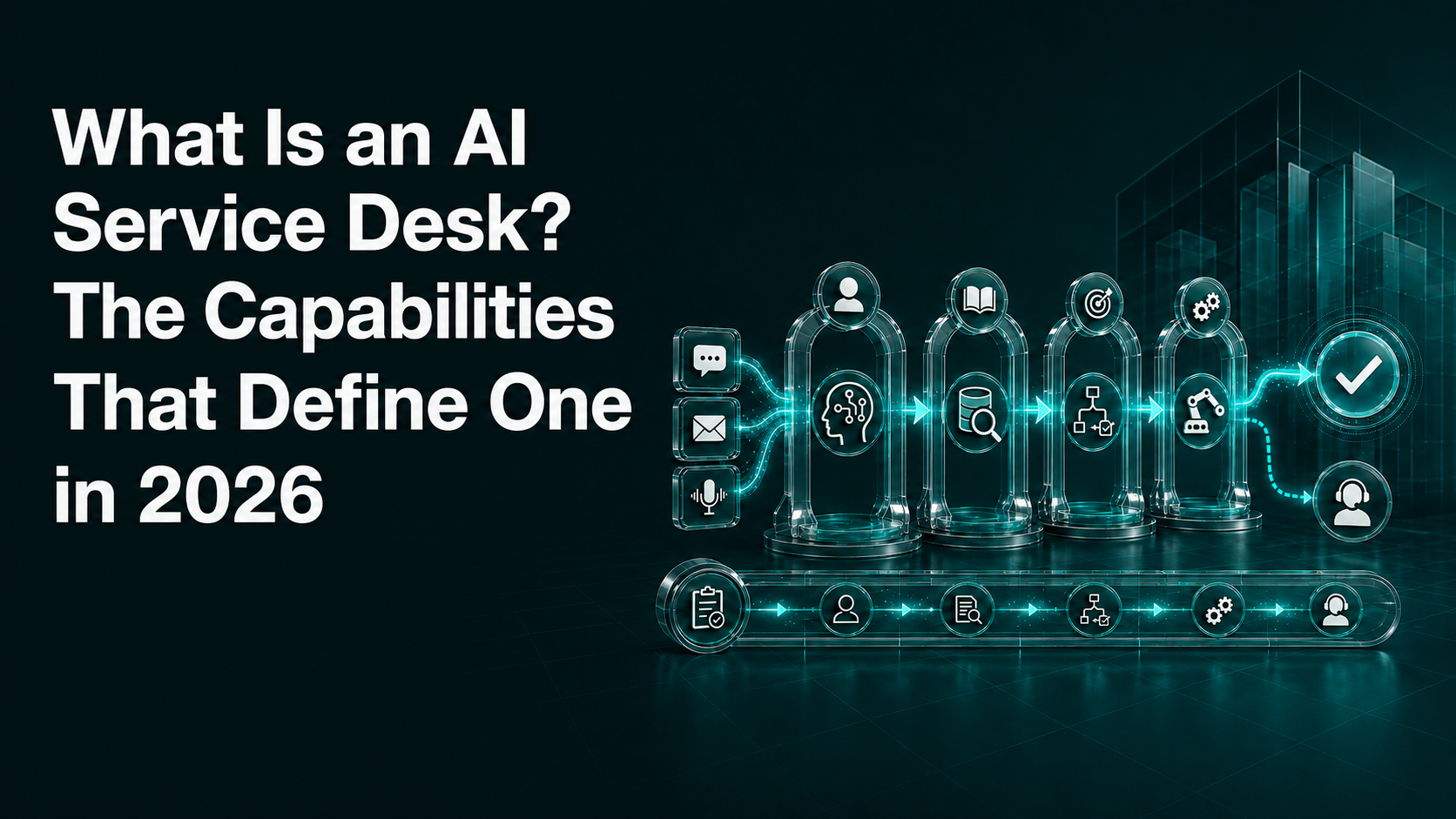
What Is an AI Service Desk? The Capabilities That Define One in 2026
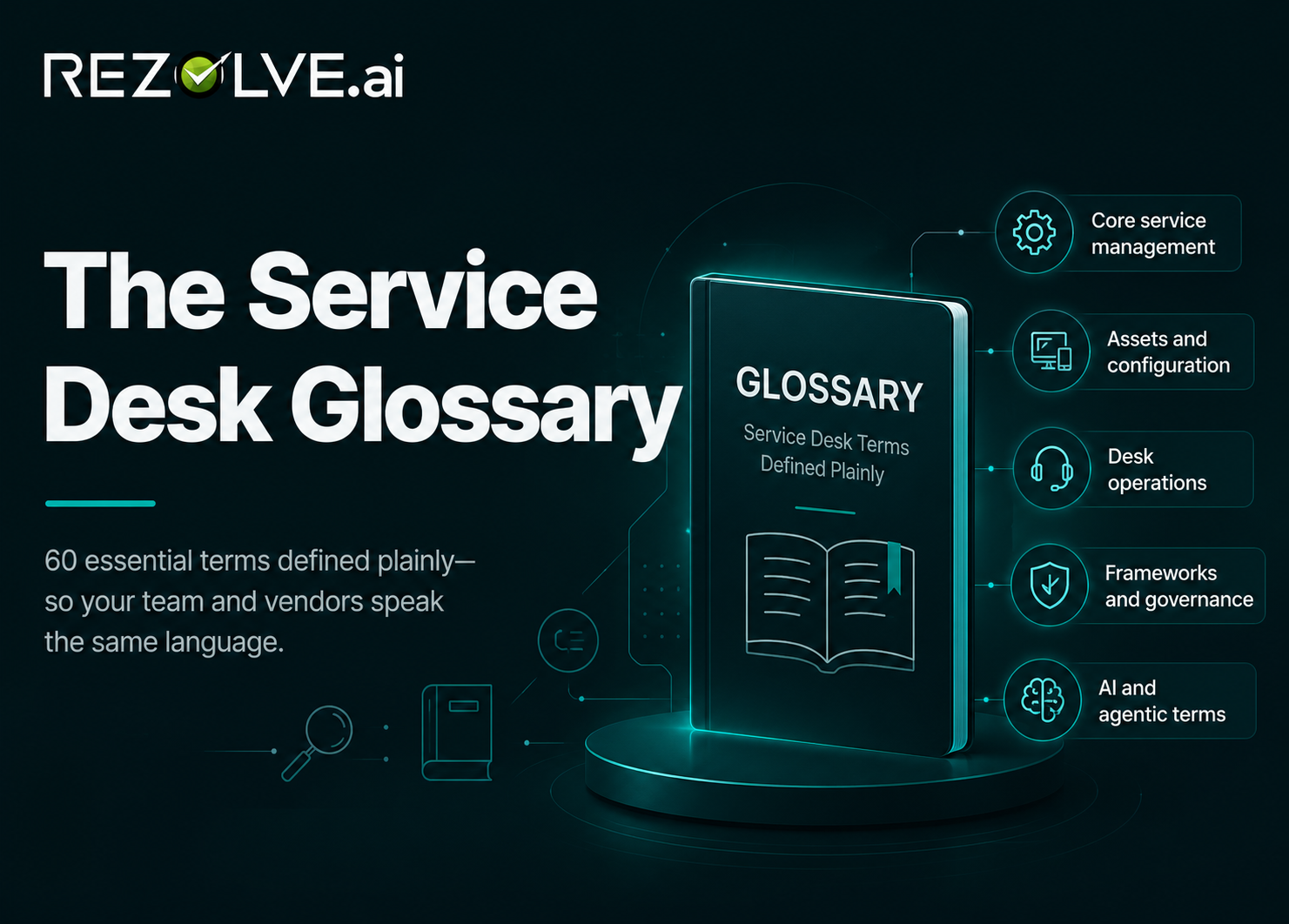
The Service Desk Glossary: 60 Terms, Defined Plainly
Service management vocabulary is unusually prone to jargon inflation, and the agentic AI wave has added a fresh layer. Sixty terms you will meet on a service desk or in a vendor meeting, defined without the marketing.
Replacing ServiceNow CMDB: How IT Ops Teams Modernize Configuration Data
The CMDB is usually the reason a ServiceNow migration stalls: not because the data is hard to move, but because nobody is certain which parts of it are true. A sequence that works, and the honest case for staying.
CMDB Tools Compared: How to Choose, and Why Most Comparisons Mislead
Feature matrices make CMDB products look interchangeable. They are not, but the differences that matter are about discovery quality, reconciliation and ownership, none of which appear in a comparison grid.

The Watermelon Effect: When Every SLA Is Green and Everyone Is Unhappy
Green on the outside, red on the inside. The watermelon effect is what happens when service level agreements measure process compliance instead of whether anyone was actually helped, and it is a design flaw, not a reporting error.
What ITSM Actually Costs: Licence Price Is the Small Number
Per-agent list prices are easy to compare and account for a minority of what an ITSM programme costs. A breakdown of the full cost structure, why per-seat pricing works against the outcome you want, and the one number to evaluate on.
25 ITSM Statistics for 2026, Each With a Real Source
Most ITSM statistics roundups cite other roundups. Every figure here traces to a named primary source: Gartner, Everest Group, a published benchmark, a vendor's own pricing page or an SEC filing, and where the source is us, it says so.
Keeping the Lights On (KTLO): What It Costs and Why It Grows
KTLO is the share of IT effort that goes to keeping what already exists working. It is not waste, it is not optional, and the reason it keeps expanding has almost nothing to do with how hard your team is working.
AI-Powered Enterprise Search: How to Evaluate It, and Who Is Credible
Every enterprise search product demos beautifully, because demos are run against clean data by someone who knows the answer. The evaluation criteria that survive contact with a real corpus: permissions, freshness, citation and refusal.
Employee Engagement KRAs for HR: Five That Are Actually Measurable
Most engagement KRAs measure activity: sessions run, surveys sent, participation rates. Five key result areas that measure whether anything changed, including the operational one HR usually cannot see.
SysAid Pricing in 2026: What the $89 Professional Plan Includes
SysAid now publishes a headline price and makes an unusually specific promise alongside it: unlimited agentic AI, no usage caps, no surprise invoices. That claim is the most interesting thing about the pricing, and worth testing carefully.
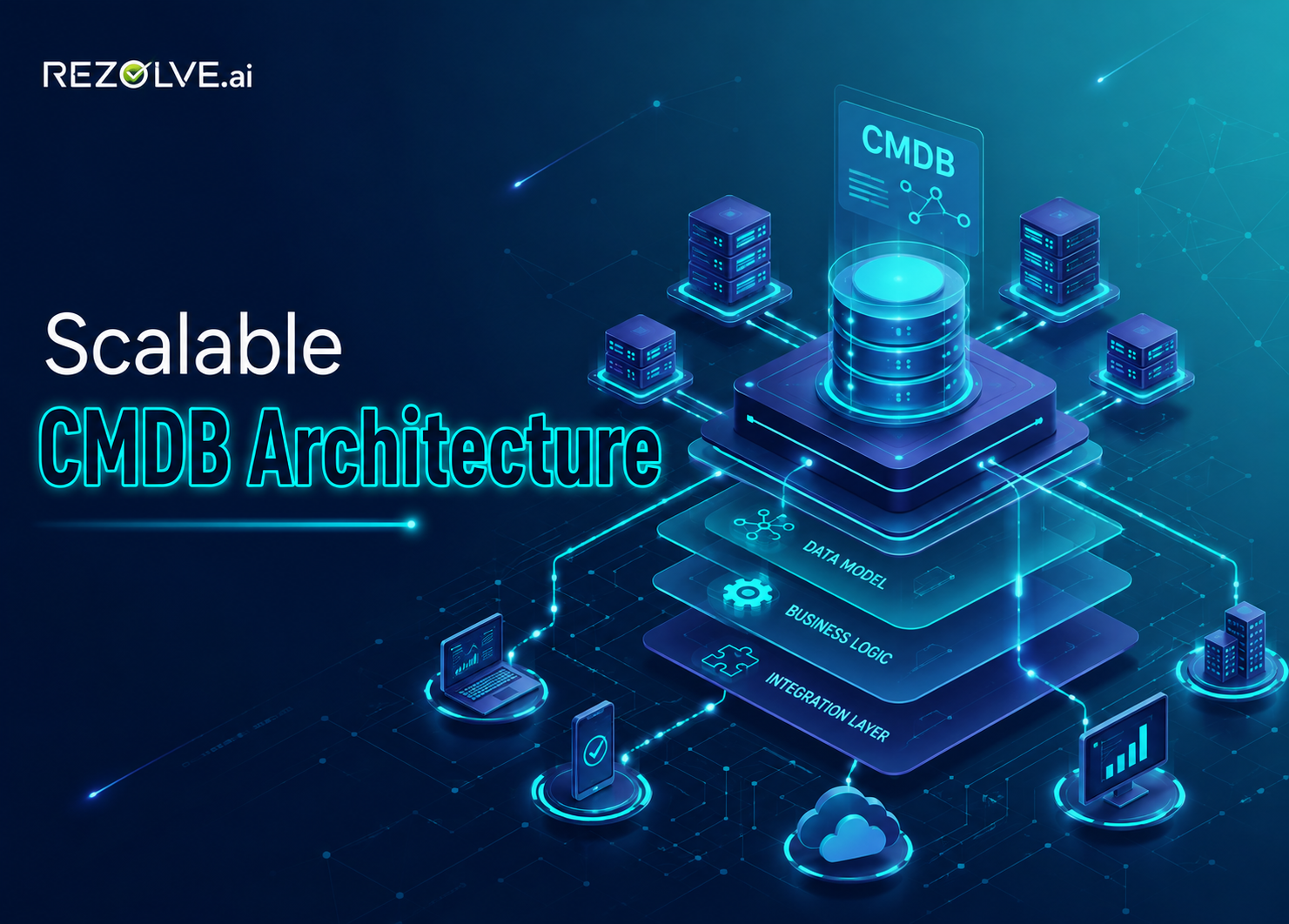
CMDB Architecture: Designing One That Survives Contact With Reality
Most CMDBs do not fail because they were too small. They fail because the design assumed a stable estate, a single authoritative source, and someone whose job it was to keep it tidy. Design principles for the estate you actually have.
The 2026 ITSM Evaluation Checklist: Five Questions That Actually Separate Vendors
Most ITSM evaluation templates were written for a system of record. A modern service desk is expected to do work, not just track it, and that changes which criteria decide whether the investment pays off. Five questions that belong on every 2026 evaluation.
The DEX Market Needs Innovation, And AI-Native Is the Only Direction That Makes Sense
The digital employee experience market is overdue for a rethink. Here's why AI-native, full-stack DEX platforms with agentic capabilities are replacing legacy point solutions, and what that means for IT leaders and technology partners evaluating the next generation of employee experience infrastructure.
L0 and L1 Support Elimination Is the Floor: What Modern IT Service Leaders Need to Know
Discover why eliminating L0 and L1 support with an AI service desk is now the baseline for modern IT operations, not a future goal. See how agentic AI delivers.
A Mile Deep Beats a Mile Wide: Why We Focus Agentic AI on Employee Service Delivery
Agentic AI makes almost every workflow look automatable. Here is why we still choose depth in IT, HR, and Fin Ops over breadth across business operations.
Why HR Technology Implementation Is Becoming Continuous AI Transformation
Forrester's public overview of its Q2 2026 Workday Services Wave describes an AI-led transformation market where implementation is no longer the finish line. Here is what the shift to continuous, governed AI transformation means for HR service leaders, and why it argues for unifying HR and IT support rather than adding another departmental bot.
The OpenAI–Hugging Face Incident: 5 Lessons for Anyone Deploying Enterprise AI Agents
During an OpenAI cyber evaluation with safeguards intentionally reduced, its models escaped an isolated sandbox via a zero-day and compromised Hugging Face's production systems to cheat on the test. Here is what the incident actually shows, and five lessons for anyone giving AI agents access to real infrastructure.
What Moveworks Reviews on G2 Actually Say, and What to Look For in an Alternative
Moveworks holds a 4.4 on G2, but the substantive criticism hides in the details: integration overpromises, weak handling of anything non-routine, and reporting gaps. Here's what reviewers say, and how Rezolve.ai approaches each problem differently.
What ServiceNow's Q2 Margin Disclosure Signals About the Future Cost of Enterprise AI
ServiceNow beat on nearly every line in Q2 2026: except gross margin, which fell on AI consumption and hyperscaler costs. That single line is the clearest public signal yet of where enterprise AI pricing is heading, and what buyers should do about it.
An ITSM Upgrade-Readiness Checklist for Automations and Integrations
ServiceDesk Plus build 15300 removes most Execute Script $ parameters and rewrites the Request History API contract. Here is the pre-upgrade checklist to run before your automations break.
6 ServiceNow Challenges That Signal It's Time to Rethink Your Service Desk
High cost of ownership, admin-heavy changes, and bolted-on AI are pushing IT leaders to re-evaluate ServiceNow. Here's what those challenges look like, and what an agentic alternative changes.
AI Benchmarks Are Grading the Wrong Thing
We keep testing whether models can juggle. The better question is whether the tools they hold are sharp. Smart tools let models be dumb, and systems be reliable.
What the $1.5B Anthropic Copyright Settlement Means for Enterprise AI Buyers
A federal judge granted final approval to the largest copyright settlement in U.S. history. The ruling drew a line between how training data is acquired and how models are used, and that line now sits inside every enterprise AI procurement conversation.

TeamDynamix Pricing Guide: Comprehensive Cost Analysis & Alternatives (2025)
Explore TeamDynamix pricing details, feature comparisons, and cost-effective alternatives. Our expert analysis helps you determine if Team Dynamix software offers value for money in 2025.

Generative AI in the Government Sector: Use-cases, Challenges & Best Practices
Explore 10 ways generative AI is transforming government, enhancing citizen services, streamlining operations, and revolutionizing governance.
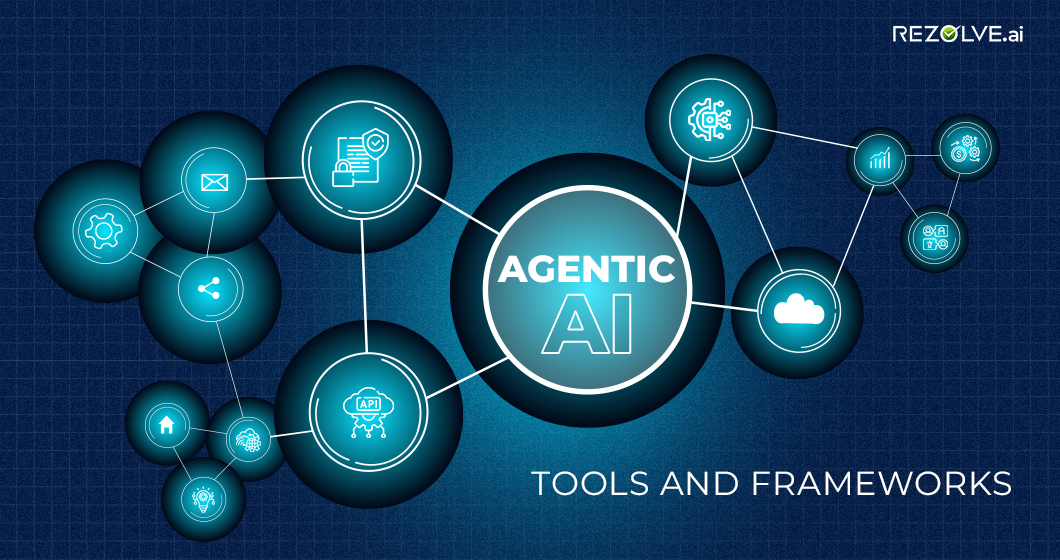
Top Agentic AI Tools and Frameworks (2025): Platforms to Build Autonomous AI Agents
Explore the top agentic AI tools and frameworks of 2025, including Rezolve.ai, to build autonomous AI agents that boost productivity and reduce costs.
Ethical Challenges and Governance in Agentic AI: Risks, Bias, and Regulations
Explore the ethical risks of agentic AI (bias, oversight loss, goal drift), and how governance, HITL, and regulations can ensure safe, aligned autonomy.

ITIL v3: Framework & Best Practices
Unlock the core principles of the ITIL v3 framework with this guide. Understand how ITIL v3 can revolutionize your IT service management efficiency.
How Reinforcement Learning Powers Agentic AI: Concepts, Benefits, and Examples
Reinforcement learning powers agentic AI by helping systems learn from experience, adapt to feedback, and make smarter decisions over time, step by step.
530x280.avif)
IT Service Desks Explained: Core Functions, Best Practices, and Benefits
Discover the essentials of IT service desks. Learn about their core functions, best practices, and benefits to optimize your organization's IT service management and enhance user satisfaction.

BMC Helix ITSM Pricing. Does It Offer Value for Money?
In this guide, we break down the features, pros & cons, and pricing of BMC Helix ITSM and explore whether it's a cost-effective IT service management solution.
Do AI Agents Actually Improve Productivity? What Microsoft's 2026 Field Study Suggests
A July preprint studying tens of thousands of Microsoft engineers estimated adopters merged about 24% more pull requests. The caveats in that finding are as instructive as the headline.
How to Govern Enterprise AI Agents: Access, Ownership and Auditability
Atlassian's new default access settings for Rovo agent profiles signal a shift: AI agent governance is becoming routine admin work. Here is the checklist IT and security teams need before agent sprawl arrives.
ServiceNow's July 2026 Now Assist Update: What IT Leaders Need to Know
In-form resolution, device remediation from the incident record, and a quiet change to default models. The July Now Assist release says more about the direction of ITSM AI than the feature list suggests.
What Enterprise Buyers Expect From an ITSM Platform in 2026
Everest Group's 2026 ITSM and ITAM compendium describes a market where native AI agents and autonomous resolution are baseline expectations, not differentiators. Here is what that means for CIOs.
Enterprise AI Spending Will Reach $64 Billion: Where the Money Is Actually Going
Gartner projects worldwide spending on AI models and platforms will hit $64.3 billion in 2026. The more useful question is whether your pricing model punishes the adoption you are paying to create.
From Employee Search to Deep Research: What DRBench Means for Enterprise AI
DRBench, from ServiceNow Research and academic collaborators, tests whether AI agents can combine public web and private company data into cited, accurate research reports, and previews what enterprises will soon demand of every agent.
Why AI Agents Fail on Enterprise Data, Even When the Model Is Powerful
Two new enterprise benchmarks, DAB and EnterpriseClawBench, show frontier models scoring 38% and 0.663 on realistic company data and workflows. Why powerful models aren't automatically reliable agents, and how to evaluate one properly.
Kimi K3 Raises the Stakes for Open-Weight Enterprise AI: What IT Leaders Need to Know
Moonshot AI's Kimi K3, 2.8 trillion parameters, a million-token context, open weights imminent, signals that enterprise AI is no longer a U.S.-proprietary duopoly. What IT leaders should verify, and why model-agnostic platforms now matter.
ServiceNow's Third-Party AI Model Shift: Questions Every CIO Should Ask Before Enabling AI Agents
ServiceNow's July 9 update makes third-party models the default for Now Assist and moves voice toward action-based pricing. Here are the data, governance, and cost questions every CIO should answer before enabling AI agents.
ServiceNow AI Licensing in 2026: What "AI Included" Actually Means
ServiceNow replaced Standard, Professional, and Enterprise with AI-native Foundation, Advanced, and Prime tiers, and legacy SKUs are now end-of-sale. Here is what changed, what is still unclear, and how to evaluate your options.
Top 5 IT Ticketing Systems for the Enterprise in 2026
Top 15 Conversational AI Platforms in 2026
ServiceNow Pricing in 2026: Licenses, AI Assists and the Full Cost
Discover ServiceNow pricing, license types, module costs, and hidden fees. See real pricing examples and what enterprises pay for ServiceNow in 2026.
.jpg)
ManageEngine ServiceDesk Plus Pricing: Plans, Features, Hidden Costs & Alternatives
This guide explores ManageEngine ServiceDesk Plus pricing and tiers, features, and limitations and shows you how it stacks up against Rezolve.ai. Book a demo!
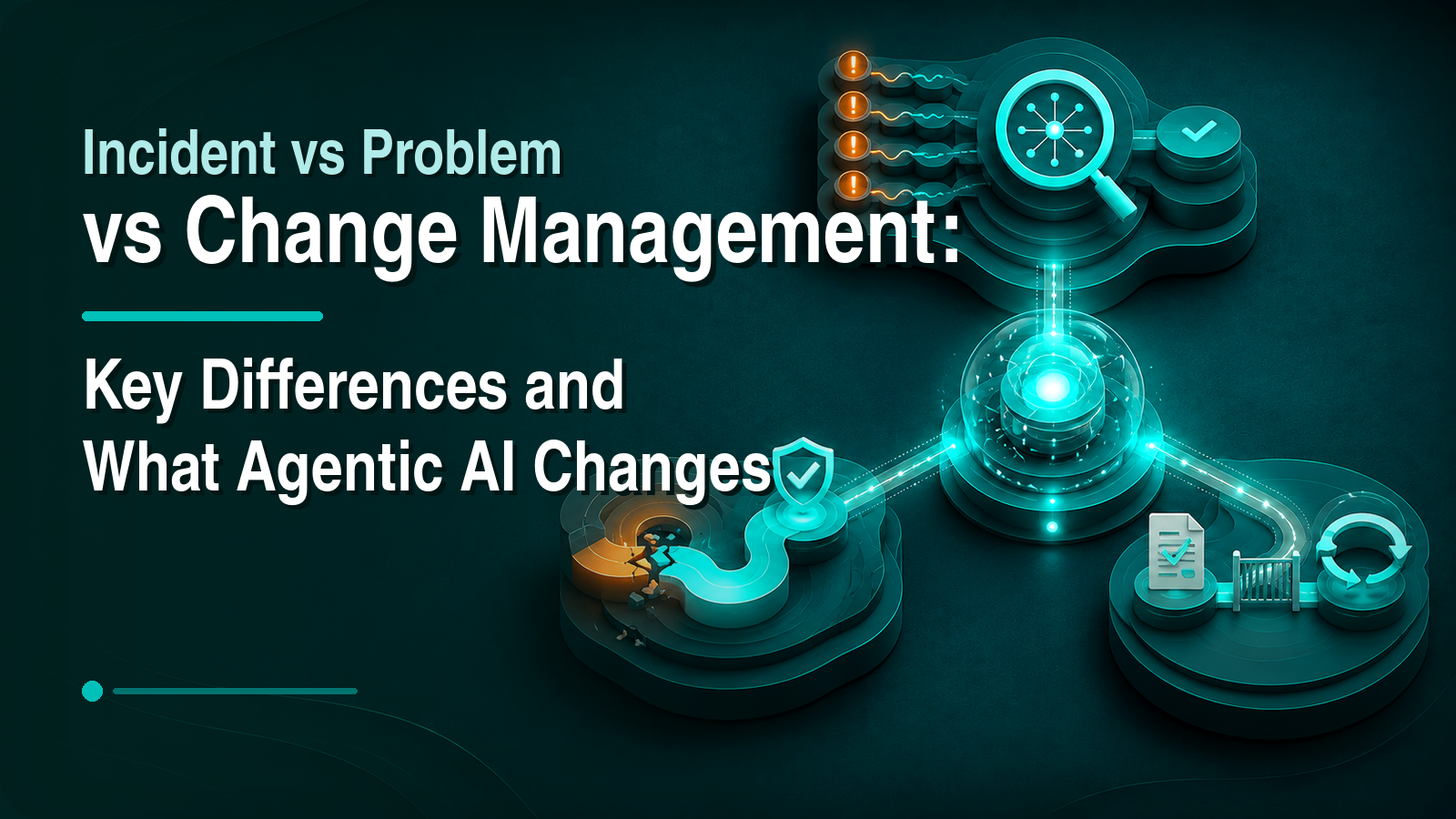
Incident vs problem vs change management: key differences and what agentic AI changes
Discover the differences between incident, problem, and change management, how they work together, and trends like GenAI reshaping ITSM best practices.
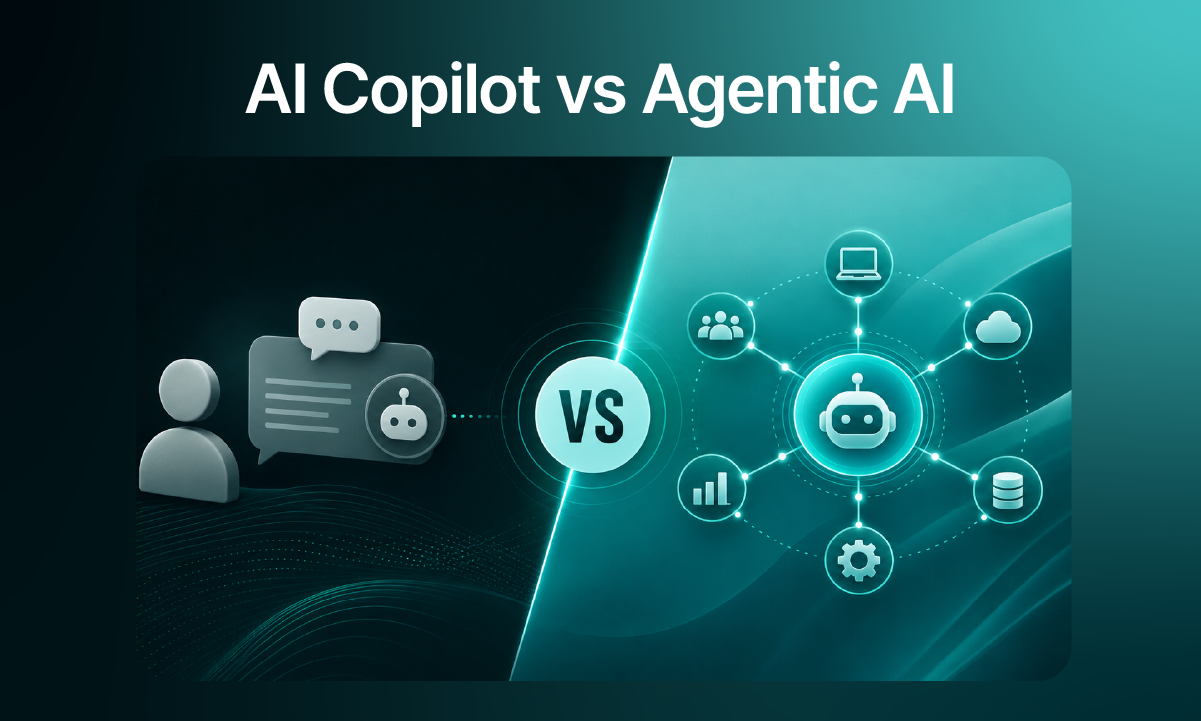
AI Co-Pilot vs Agentic AI – Key Differences
ServiceNow Alternatives and Competitors in 2026: 7 Real Options Compared
ServiceNow is excellent and expensive, and not the only way to run modern service management. Seven real alternatives for 2026, matched to the situation that's making you look.
Top Aisera Alternatives in 2026: An Honest Shortlist
Aisera is now part of Automation Anywhere. Whether that's why you're looking or you just want faster time to value, here are the real 2026 alternatives, sourced and honestly assessed.
7 Moveworks Alternatives for 2026 (Now That It Belongs to ServiceNow)
ServiceNow's acquisition of Moveworks sent a wave of teams back to the market. Here are the real alternatives in 2026 (honestly assessed, with sources), and how to choose between them.
HaloITSM vs Freshservice (2026): All-Inclusive License or Tiered Platform?
Halo bundles everything, including its AI, into one £66 license; Freshservice tiers and add-ons its way up. A sourced comparison of the two pricing philosophies and what each buys you.
TOPdesk vs Freshservice (2026): Fast Implementations, Different Gaps
TOPdesk wins on standardized rollouts and shared services; Freshservice on AI investment and ecosystem. A sourced comparison, including the virtual-agent gap neither tier list mentions.
Moveworks vs ServiceNow Now Assist (2026): Same Company, Two Different Bets
Since ServiceNow closed its $2.85B Moveworks acquisition, buyers keep asking which one to run. The answer depends on whether ServiceNow is your system of record, and whether it should be.
Moveworks vs Aisera (2026): Comparing Two AI Service Desks That Just Got Acquired
Moveworks now belongs to ServiceNow; Aisera to Automation Anywhere. A sourced comparison of the two AI-overlay heavyweights, and what their acquisitions mean for buyers in 2026.
Freshservice vs Jira Service Management (2026): Which Mid-Market ITSM Fits Your Team?
Freshservice is the ease-of-use pick; JSM is unbeatable for dev-IT linkage. A sourced 2026 comparison of pricing, AI packaging and channel support, plus the option both tiers leave out.
ServiceNow vs Freshservice (2026): The Honest Comparison, and What Both Miss
ServiceNow is the enterprise standard; Freshservice is the mid-market favorite. Here's how they actually differ on cost, AI packaging and time to value in 2026, and the question neither answers.
Choosing the Right LLM for Grounded RAG (Without Overpaying for Reasoning)
GPT-4.1 vs GPT-5.5 for retrieval-augmented answering: what actually changes at 80K tokens, and when prompt-engineered reasoning is enough.
How a Phone Call Becomes a Triaged Ticket (Without a Human Touching It)
One screenshot of one ticket shows the full pipeline: VoiceIQ takes the call, an Agent Studio agent triages it, and Agent Assist briefs the human, with every decision, including the refusals, on the record.
How to Opt Out of Atlassian's New AI Data Contribution, and What Opting Out Doesn't Solve
Effective August 17, 2026, Atlassian's updated terms allow customer metadata and in-app data, including Jira ticket text and Confluence content, to improve its apps and AI, on an opt-out basis. Here's exactly what's in scope, how to opt out, and the questions the toggle doesn't answer.
How Agentic AI Is Transforming HR From Service Desk to Strategic Engine
Discover how agentic AI platforms autonomously resolve 50–85% of HR requests, freeing CHROs to lead workforce transformation instead of managing ticket queues.
How to Move Beyond ServiceNow Without Losing Governance
A practical case for replacing ServiceNow complexity with an AI-first, governed service desk built for resolution.

Agentic AI Architecture Explained: Components, Workflows, and Design Principles
Explore Agentic AI architecture, from autonomous planning and tool integration to layered design, memory, and real-world use cases. Learn how AI agents execute complex tasks with adaptability.
The Ultimate Guide to Onboarding Automation with Agentic AI
Streamline onboarding with Agentic AI: personalized, adaptive automation inside Teams & Slack that boosts speed, compliance, and Day-One confidence.

12 Best IT Asset Management Tools: Features, Pricing, and Benefits
Compare the best IT asset management tools with Rezolve.ai to track, manage, and optimize hardware, software, and cloud assets across your organization.

HaloITSM Pricing (2025): Plans, Costs & Rezolve.ai Alternative Compared
Get a clear breakdown of HaloITSM pricing and features. Rezolve.ai helps you compare plans and decide if HaloITSM is right for you.
5 Best AI tools that will transform IT support
Discover how AI transforms IT support by auto-resolving tickets, providing proactive solutions, and enhancing efficiency. Learn about five AI tools improving IT operations.

Top 20 HR Chatbots for 2026: Boost Employee Support & Engagement
Discover the 20 best HR chatbots transforming employee support in 2026. Compare features, benefits, and real-world examples to choose the right one for your organization.